R3.1_v1.2
24/76
Modem Web Interface
User Manual MDM3X00
4.6.6 Validating the Installation
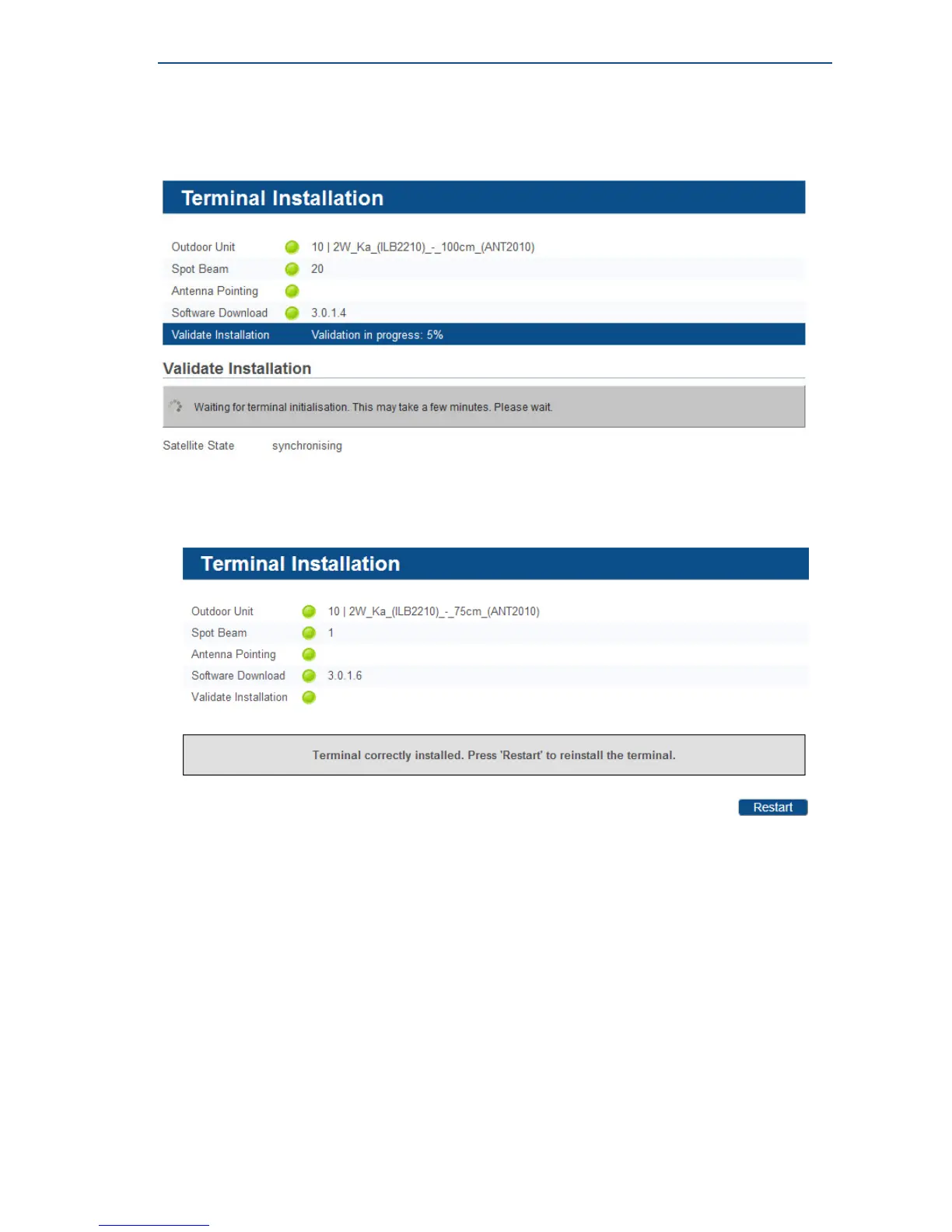
When the previous step is completed, the following screen is shown:
The modem will now check if the quality of the installation needs to be validated.
This depends on your Network Operator.
• If validation is not required, this step is skipped automatically. The following screen appears:
Your modem is now installed.
Depending on your Service Provider, you might need to register first before you can start
browsing the web.
• If validation of your terminal installation is required by your Service Provider, please proceed with
this section and execute the following sequence of tasks.



 To Next Page