R3.1_v1.2
50/76
Modem Web Interface
User Manual MDM3X00
4.7.5.3 Edit the Multicast Configuration
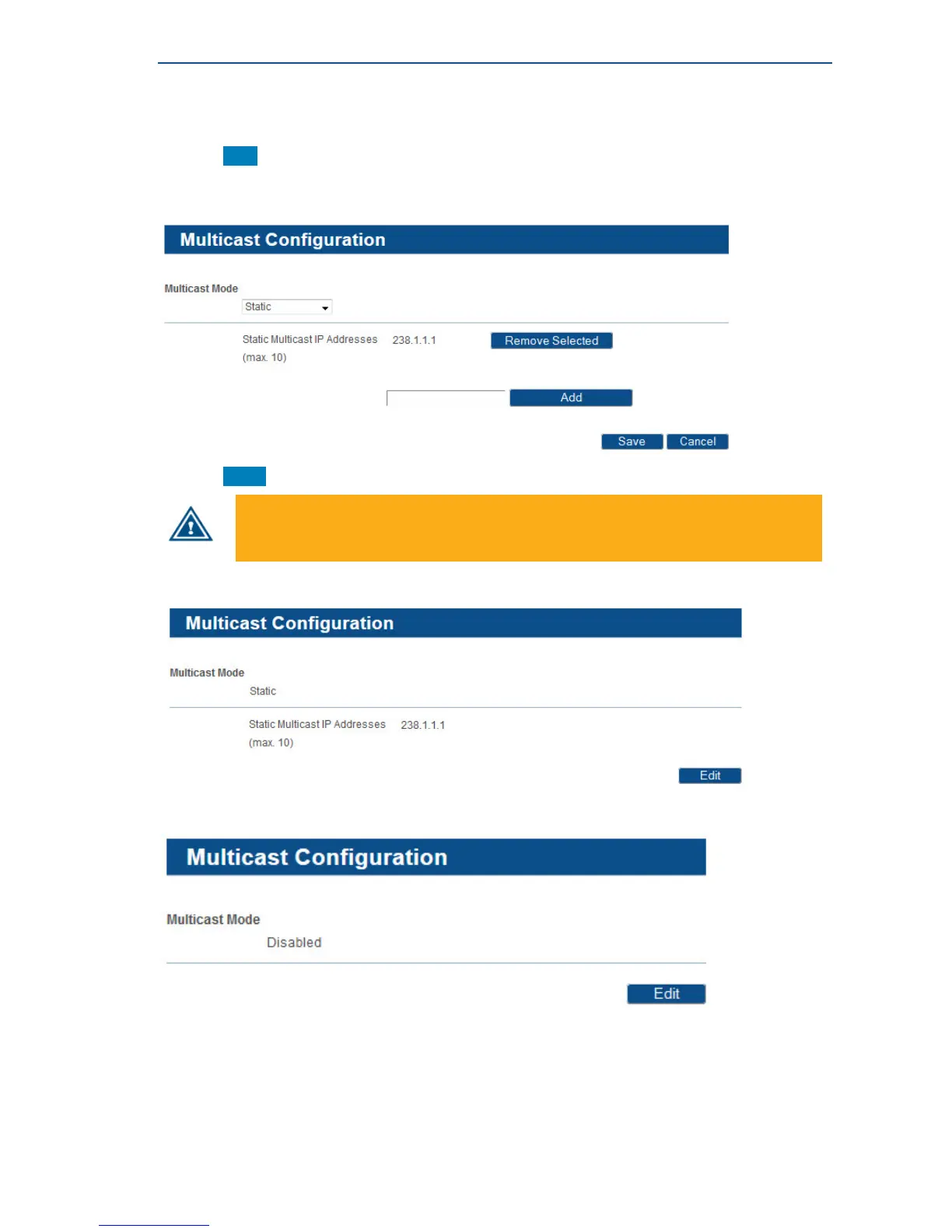
• Click Edit in the Web Interface > View Multicast configuration to change
the Multicast Settings.
• Edit the parameters.
• Click Save in the Web Interface > Edit Multicast configuration to save the new settings.
In case an invalid multicast IP address is replacing a valid multicast IP address, the last
valid multicast IP address will still be in use.
A committed multicast configuration is shown to confirm the applied settings:
If "disabled" mode is selected, following screen is shown:
A similar screen is shown if "IGMP Dynamic" mode is selected.



 To Next Page