R3.1_v1.2
57/76
Modem Web Interface
User Manual MDM3X00
4.10.1 Test Descriptions
4.10.1.1 Hardware Test
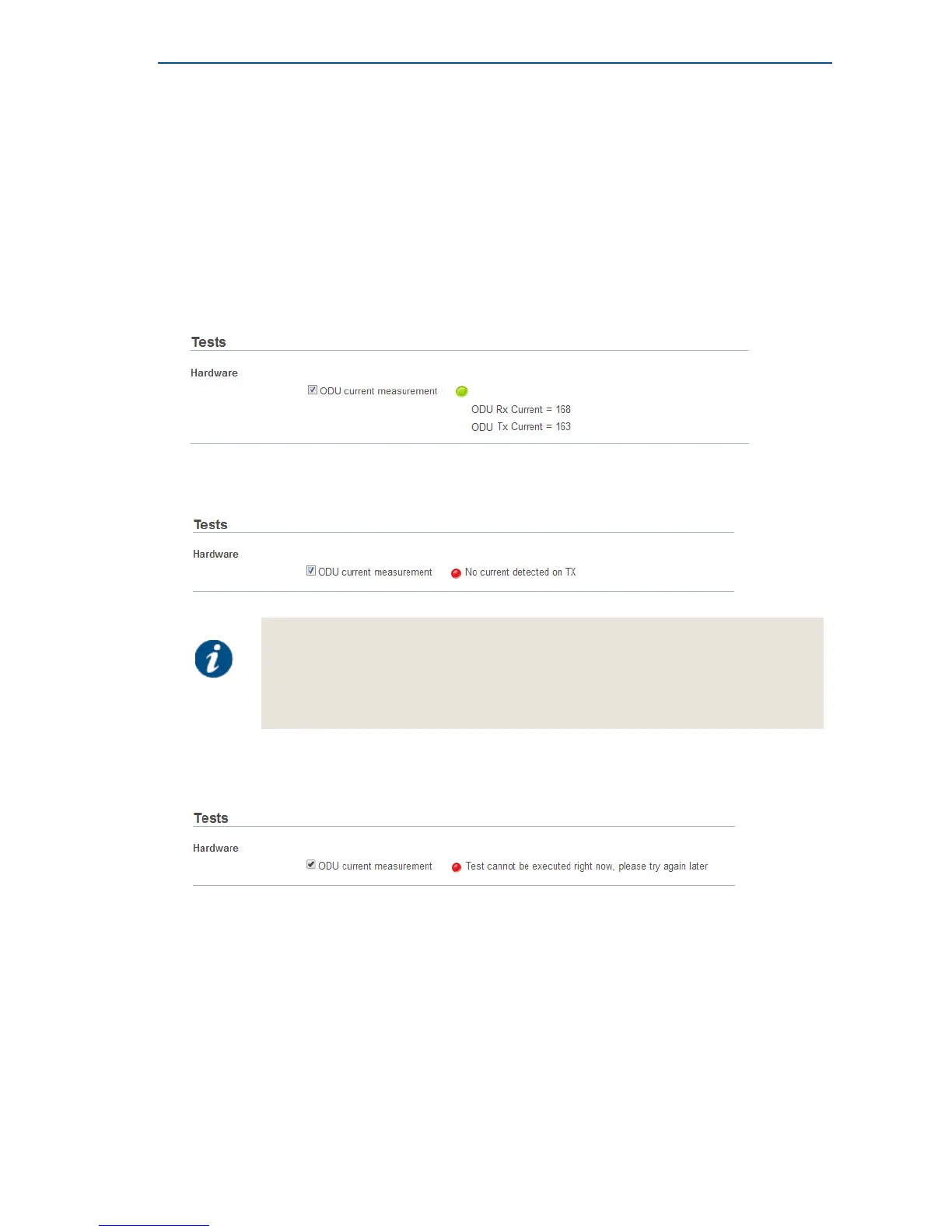
The Hardware test measures the current in the receive and transmit path between modem and
ODU.
Possible test results:
» A successful hardware test means that TX current is within the expected range. The figure below
shows an example of a successful hardware test.
» A failed hardware test means that at least one of the measured currents falls outside the
expected range. This indicates a problem in the receive and/or transmit path.
If the hardware test has failed, please always verify the installation of the coaxial
cable. A defect cable, swapped TX and RX cables, or loose contacts at one or more
connectors can cause the hardware test to fail even if the BUC and LNB themselves
are working correctly.
If the problem persists, please contact your Service Provider.
» In some cases, the hardware test cannot be executed because of the actual modem state e.g.
during pointing. In this case, one is requested to try again later.
4.10.1.2 Software Test
The Software test verifies the validity of the software.



 To Next Page