R3.1_v1.2
11/76
Modem Web Interface
User Manual MDM3X00
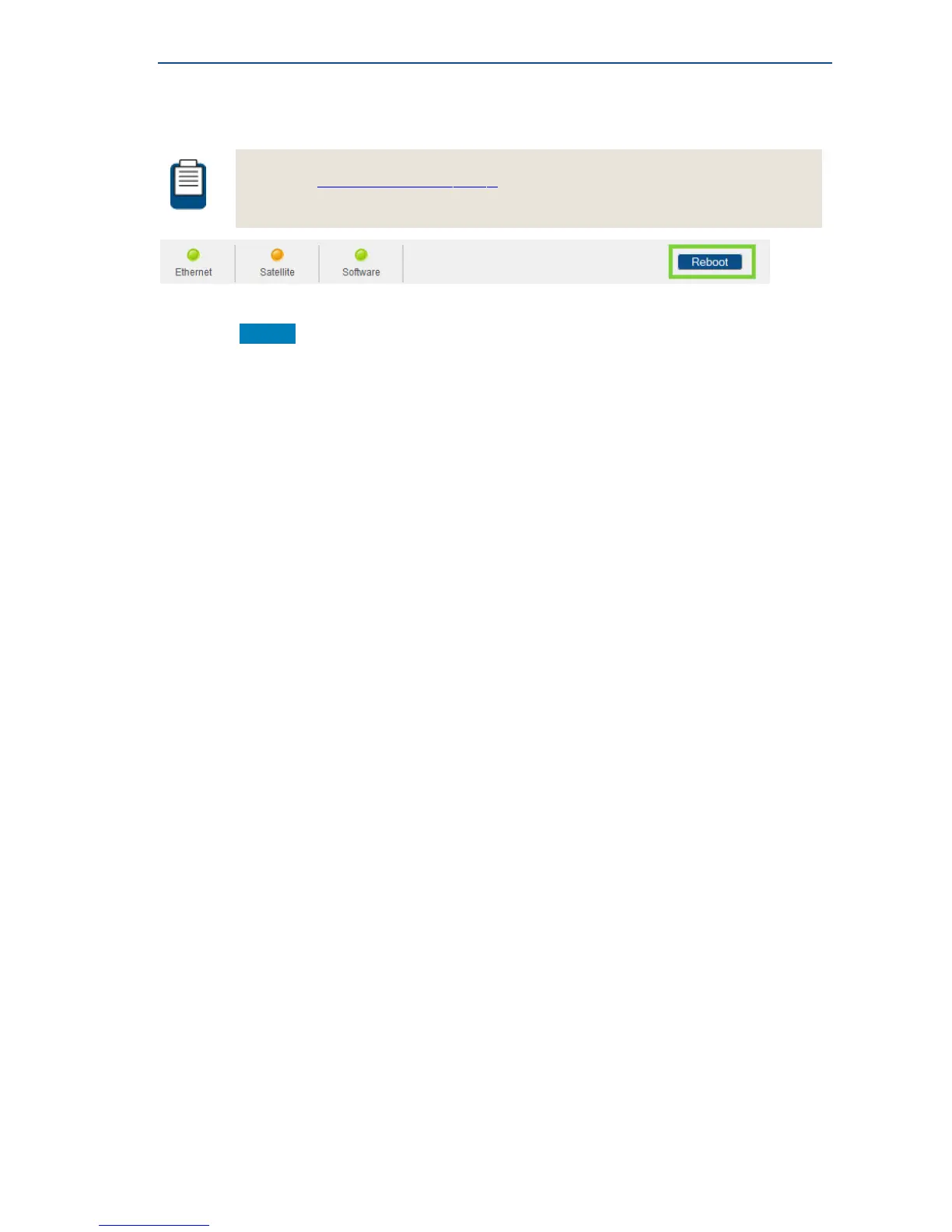
4.4.4 Rebooting the Modem
See section ModemBackPanelonpage4 for similarities with the hardware button reboot.
» Click the Reboot link at the right of the status bar to reboot the terminal.
The modem will reboot and return to the Status page.
This may take up to one minute, including satellite link initialization.



 To Next Page