R3.1_v1.2
9/76
Modem Web Interface
User Manual MDM3X00
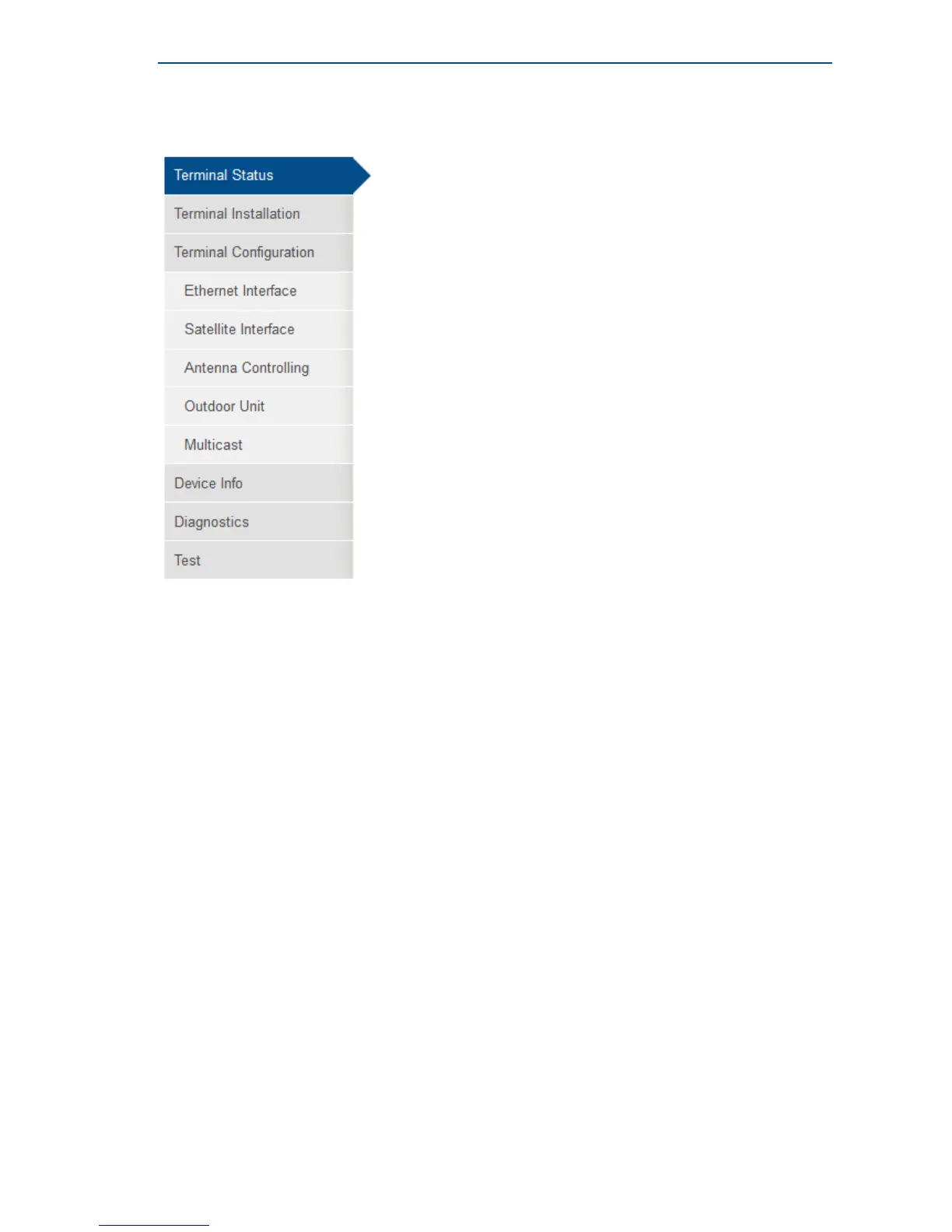
4.3.2 Menu Structure
• Terminal Status
Check on the device and network status.
• Terminal Installation
Run the installation procedure.
• Terminal Configuration
• Ethernet Interface
Check and alter the Ethernet interface configuration.
• Satellite Interface
Check and alter the Satellite interface configuration.
• Antenna Controlling
Enable automatic pointing mode. Check and alter corresponding ACU settings.
• Outdoor Unit
Check and alter the Outdoor Unit configuration.
• Multicast
Check and alter the Multicast configuration.
• Device Info
Check the Hardware version. Check or alter the software version.
• Diagnostics
Generate a diagnostic report.
• Test
Run tests on the device.



 To Next Page