Copyright © 2016 NEXCOM International Co., Ltd. All Rights Reserved.
25
NDiS M535 User Manual
Chapter 3: System Setup
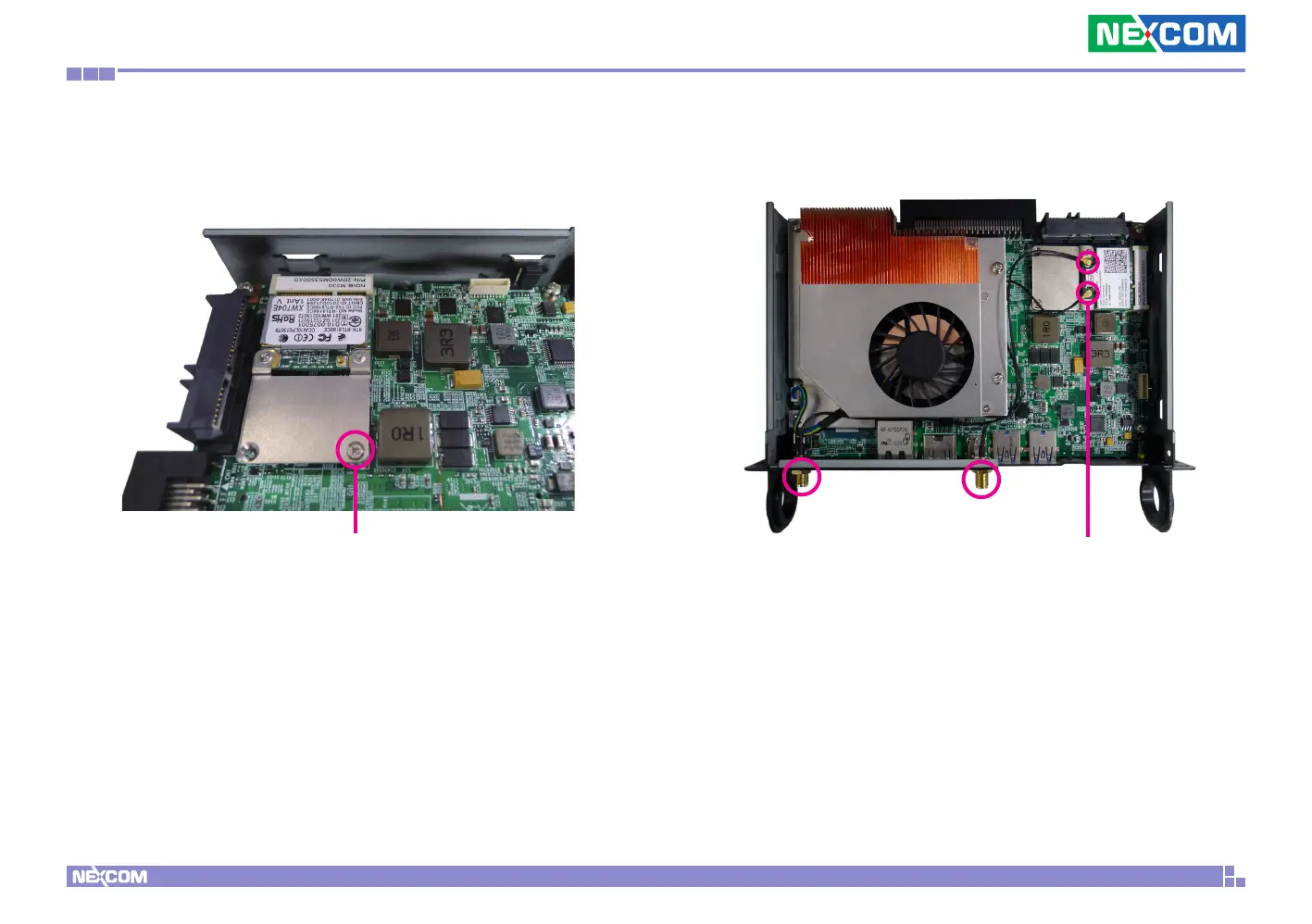
3. With the module fully inserted, tighten a screw into the mounting hole
on the module to secure it.
RF cable
Screw
4. Attach the RF cables onto the Wi-Fi module and insert the antenna jack
end of the cable through the antenna hole.



 To Next Page