Copyright © 2016 NEXCOM International Co., Ltd. All Rights Reserved.
36
NDiS M535 User Manual
Chapter 4: BIOS Setup
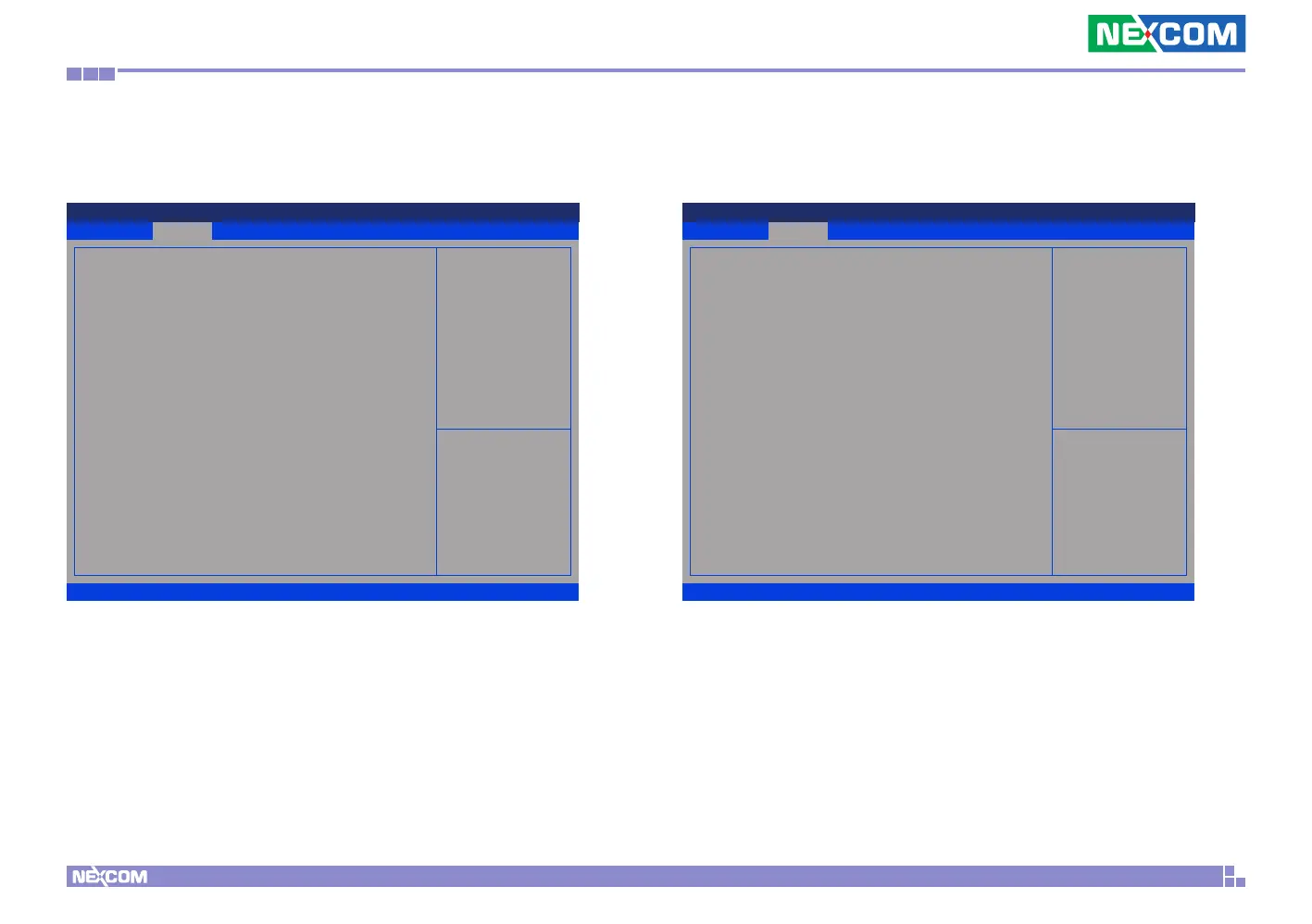
RTC Wake Settings
This section is used to configure RTC Wake settings.
Graphics Configuration
Configures the graphics chip settings.
Exit
Advanced Chipset PCIPnP Security
Main
Version 2.17.1255. Copyright (C) 2016 American Megatrends, Inc.
Aptio Setup Utility - Copyright (C) 2016 American Megatrends, Inc.
→←: Select Screen
↑↓: Select Item
Enter: Select
+/-: Change Opt.
F1: General Help
F2: Previous Values
F3: Optimized Defaults
F4: Save & Exit
ESC: Exit
Wake system from S5 [Disabled]
Exit
Advanced Chipset PCIPnP Security
Main
Version 2.17.1255. Copyright (C) 2016 American Megatrends, Inc.
Aptio Setup Utility - Copyright (C) 2016 American Megatrends, Inc.
→←: Select Screen
↑↓: Select Item
Enter: Select
+/-: Change Opt.
F1: General Help
F2: Previous Values
F3: Optimized Defaults
F4: Save & Exit
ESC: Exit
Select the Video Device which
will be activated during POST.
This has no effect if external
graphics present. Secondary boot
display selection will appear
based on your selection.
VGA modes will be supported
only on primary display
Graphics Configuration
Primary IGFX Boot Display [HDMI(Internal)]
Secondary IGFX Boot Display [Disabled]
Wake System from S5
Enables or disables system wake on alarm event. When enabled, system will
wake on the hr::min::sec specified.
Primary IGFX Boot Display
Selects the video device which will be activated during POST. Has no effect
if external graphics is present. Secondary boot display selection will appear
based on your selection. VGA modes will be supported only on primary
display.
Secondary IGFX Boot Display
Selects the secondary display device.



 To Next Page