Fanout key
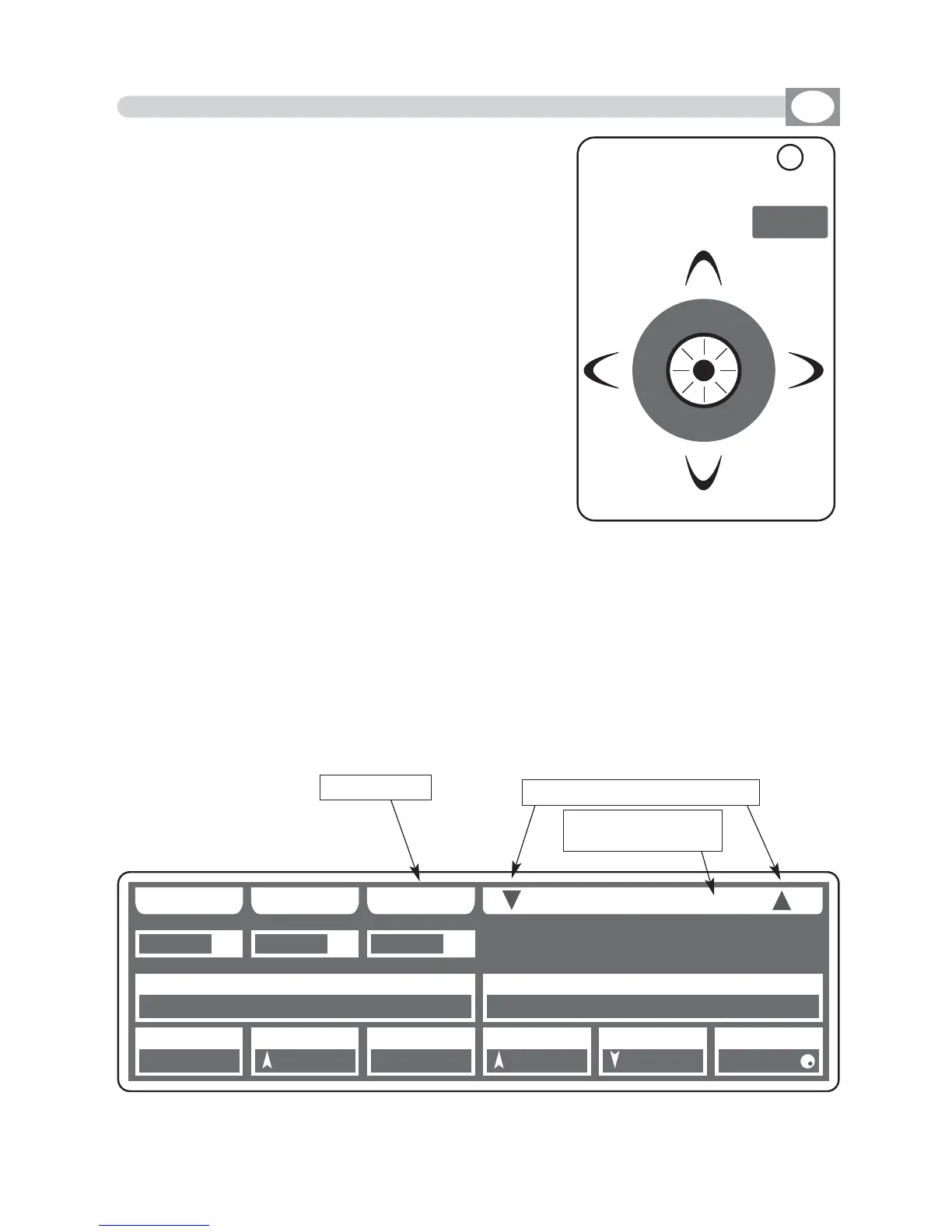
Using the joystick the PAN and TILT channels of the
scanner’s mirror and and moving heads can be adju-
sted (Fig.8).
The joystick type is with central return, thanks to the
sophisticated software of management, it allows an
easy and exact positioning.
The mirror’s speed movement could be changed
through the Joy speed key
Every time you press the Joy speed key the selected
speed it is shows for 3 seconds on the graphic display
(Fig. 9).
With SPEED 01/10 the joystick moves the mirror
with a fixed speed, with SPEED PROP joystick become
proportional type, if you leave the joystick in central
position the mirror keeps still; whereas the more you
move it away from the centre the faster the mirror
will run.
Pressing twice the Joy speed key joystick passes directly
to the fine movement mode.
The
Joy speed
key led will light up to indicate the activation of this function.
Useful function for control moving heads
The FANOUT key appears only if you have selected more than one unit, press this key
to move selected units as a fan.
Joystick movement change the PAN/PAN LOW and TILT/TILT LOW output channels.
4.8 PAN AND TILT CHANNELS ADJUSTMENT THROUGH THE JOYSTICK
Fig. 8
Fig. 9
GB
Joy speed
PPRROOGG
SS AA VV EE UU NN DDOO
FF AA NN OO UU TT
006600
009900 007700 002200 113355 000000 225555
114400 225555
JJ OO YY SS PP EE EE DD :: PP RR OO PP
0011
SSCCEENN
0022
UUNNIITT
0011
PPAANN TTIILLTT CCOOLLOOUURR
005500 000000 110000
CCYYAANN MMAAGGEENNTTAA YYEELLLLOOWW
DDIIMMMMEERR SSHHUUTT//SSTTRR ZZOOOOMM MM--SSPPEEEEDD CCOOLL..MMOODDEE CCOOLLOOUURR 22
SS GG MM GG II OO TT TT OO WW .. 44 00 00
keys to change the speed
indicates the the set-
ting out of speed



 To Next Page