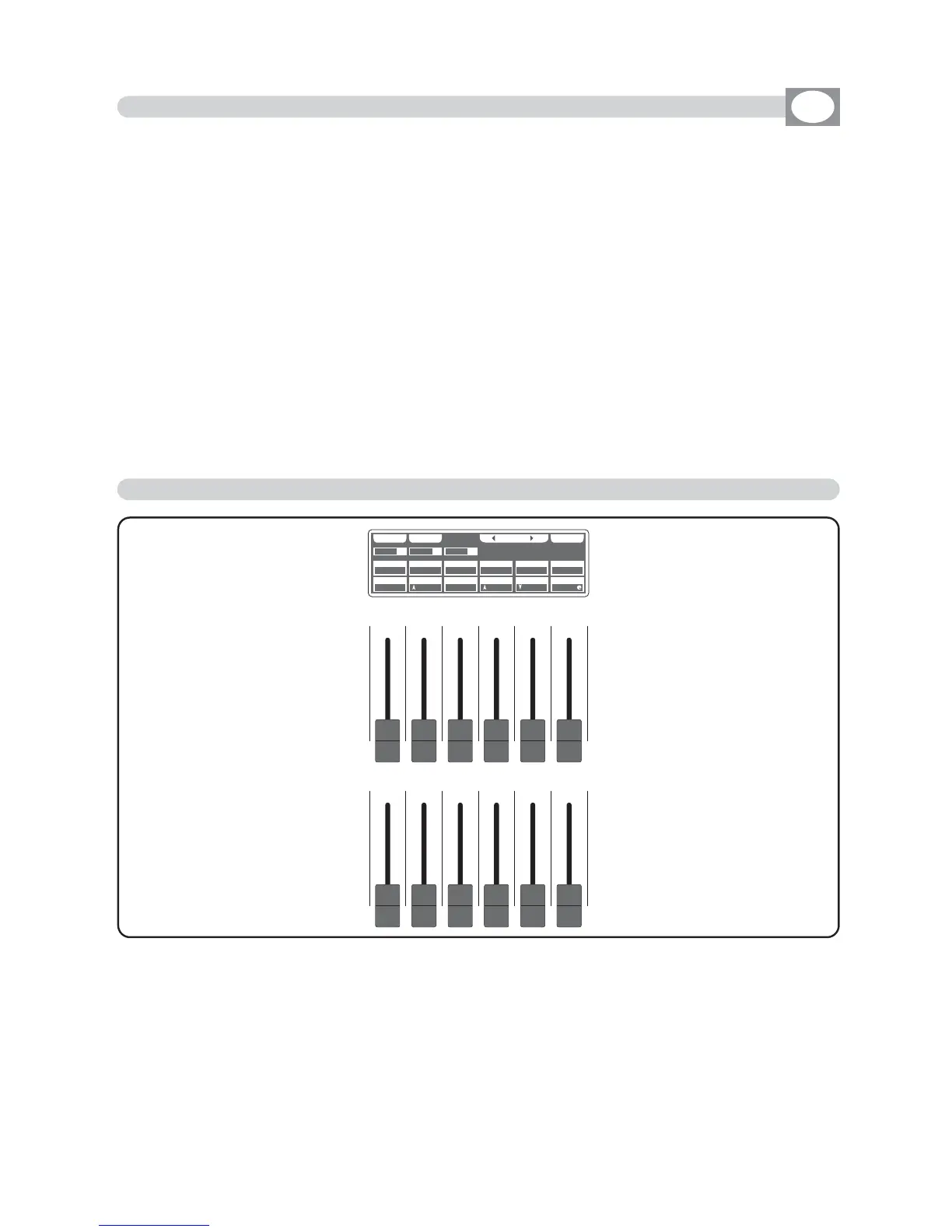
The 12 faders are used to adjust the channels value see (Fig. 7)
To modify the step , keep the faders to desired values.
Each time that changes page the faders remains inactive.
The arrow in the box ndicate that the fader aren’t in the position of the value, keep it in
the sense of the arrow to catch the value.
To an on-off chase type use the 1÷12 keys
For successive channels use the
PPAAGGEE
key
PPRROOGG
SS AAVV EE UU NN DD OO MM AA SS KK
009900
225555
007700
000000
002200
110000
113355
113355
000000
000000
225555
225555
UU NNII TT SS EE LL EE CC TT
0011
SSCCEENN
0022
UUNNIITT
0011
DDIIMMMMEERR SSHHUUTT//SSTTRR ZZOOOOMM
PPAANN TTIILLTT CCOOLLOOUURR
MM--SSPPEEEEDD CCOOLL..MMOODDEE CCOOLLOOUURR 22
CCYYAANN MMAAGGEENNTTAA YYEELLLLOOWW
SS GGMM GG IIOO TTTT OO WW .. 44 00 00
Fig. 26
6.8 FUNCTION KEYS IN EDIT STEPS MODE
GB
In EDIT
STEPS
mode there are 5
ffuunnccttiioonn kkeeyyss
see (Fig. 6 par
44..55
).
SAVE
key
:
Press this key to save the step
The
UPDATE
key allow you to update the saved step and go back to the steps function
UNDO:
it works only on saved scenes
Pressing this key you go back to the saved step
PAGE
keys
:
Press this keys to select the successive/precedent page
3PG
keys
:
Pressing this will jump of 3 pages in 3 pages.
6.9 CHANNELS ADJUSTMENT FADERS IN EDIT STEPS MODE



 To Next Page