Setting SConfigurator
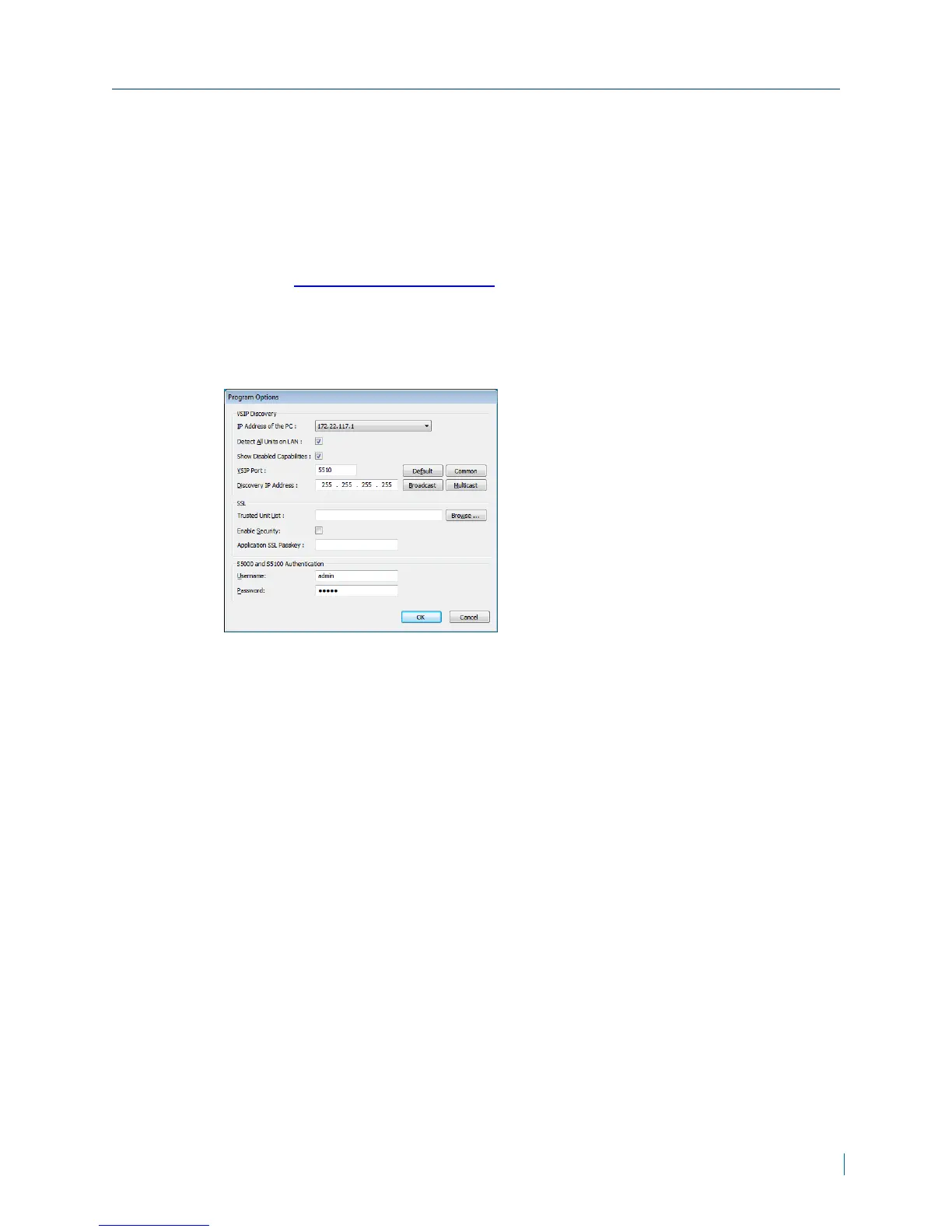
► To set SConfigurator
1. Download the latest version of SConfigurator
from:www.verint.com/manuals.
2. Extract the executable file (SConfigurator.exe) to the desktop.
3. Double-click SConfigurator.exe to start SConfigurator.
4. In the General tab, click Program Options.
5. Select the IP address of the correct LAN interface from IP Address of the
PC list.
6. Select Detect All Units on LAN.
7. Ensure that the VSIP Port is 5510; otherwise, click Default.
8. Ensure that the Discovery IP Address is 255.255.255.255; otherwise, click
Broadcast.
9. Click OK.
Chapter 2: Installation
© 2013 Verint Video Systems Inc. 18



 To Next Page