Upgrading Firmware
Firmware upgrade allows you to install new firmware files on the IPcamera. A
reboot is required to ensure the new firmware is applied.
Note
You will not have video during the time that the IPcamera is updating; this is
typically a process that can take several minutes. Therefore you should
consider scheduling firmware updates during off peak hours.
► To upgrade the firmware
1. In a web browser, type the IP address of the Nextiva IP camera in the
Address bar, and then press ENTER.
2. Type the username and password.
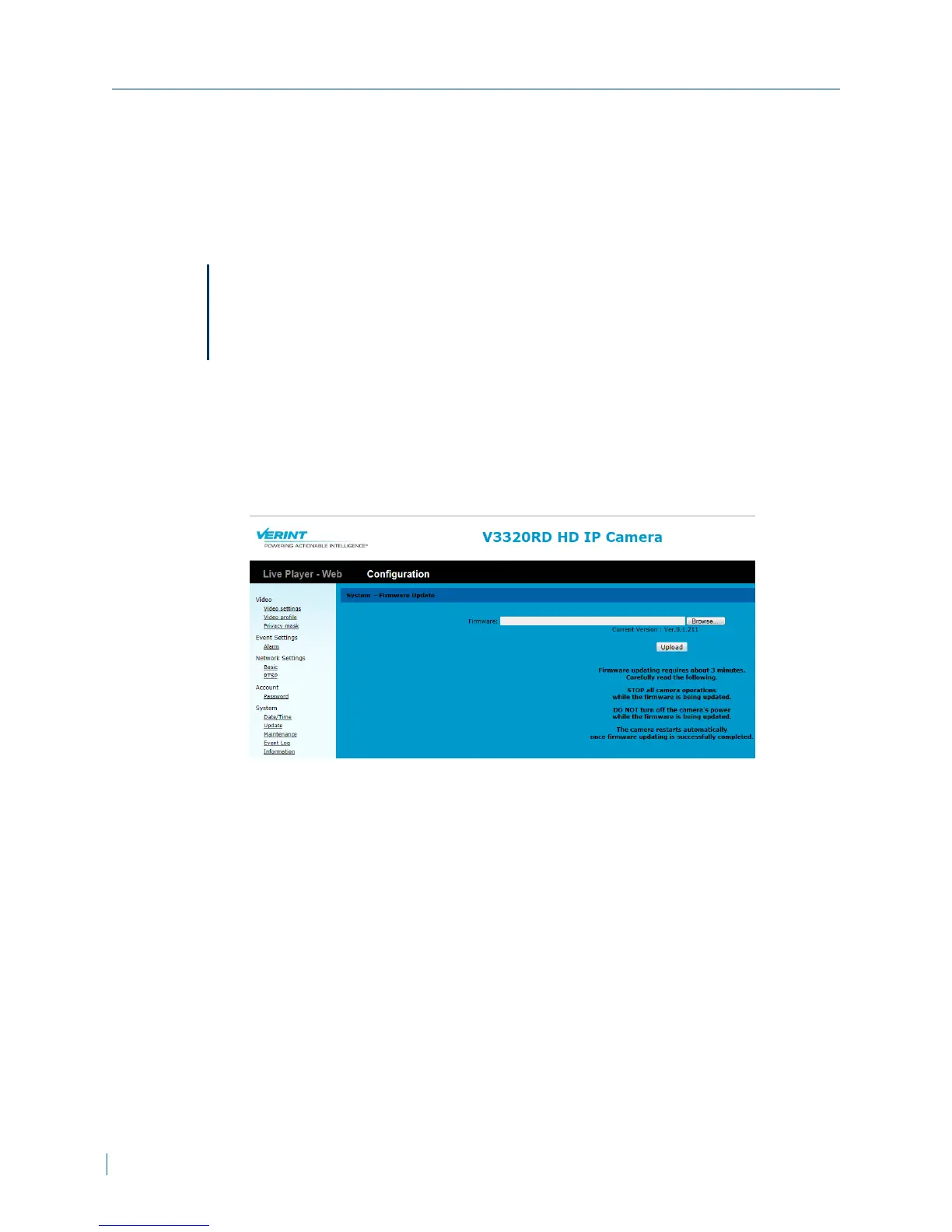
3. Click Configuration >System >Update.
4. Click Browse and select the firmware file.
5. Click Upload.
Upgrading Firmware
42 © 2013 Verint Video Systems Inc.



 To Next Page