Exporting Configuration Settings
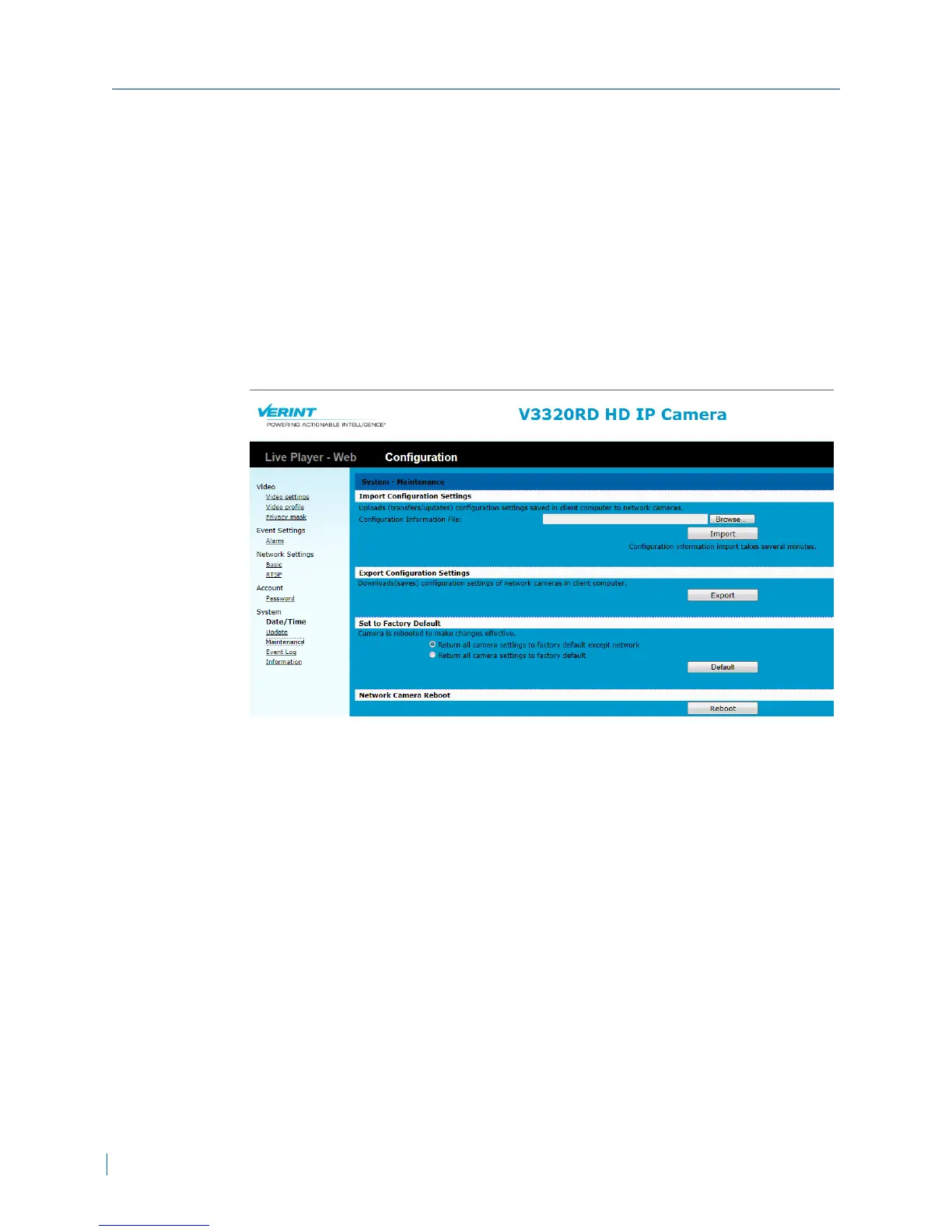
Download configuration setting from the IP camera.
► To export configuration settings
1. In a web browser, type the IP address of the Nextiva IP camera in the
Address bar, and then press ENTER.
2. Type the username and password.
3. Click Configuration >System >Maintenance.
4. Click Export.
Exporting Configuration Settings
44 © 2013 Verint Video Systems Inc.



 To Next Page