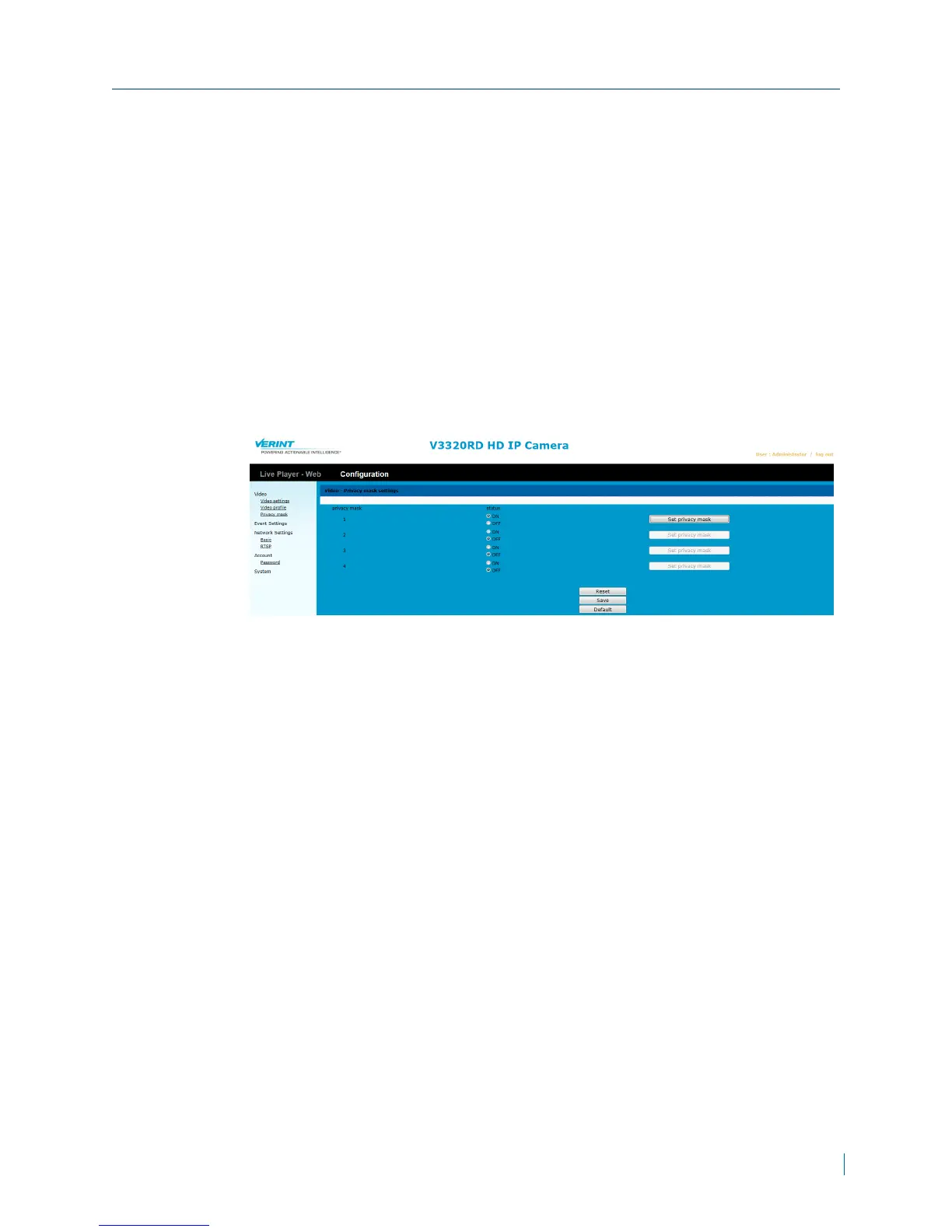
Configuring Privacy Mask
Privacy masking blocks out areas from view by covering the areas with a
colored box in both live view and recorded clips. This feature is ideal for
locations where you do not want information to be visible.
► To configure privacy mask
1. In a web browser, type the IP address of the Nextiva IP camera in the
Address bar, and then press ENTER.
2. Type the username and password.
3. Click Configuration >Video >Privacy mask.
4. For each mask, set the values for the following:
5. Select ON.
6. Click Set privacy mask.
7. In the dialog box, click and drag the mouse to create a window around the
region to mask.
Chapter 3: Configuration
© 2013 Verint Video Systems Inc. 30



 To Next Page