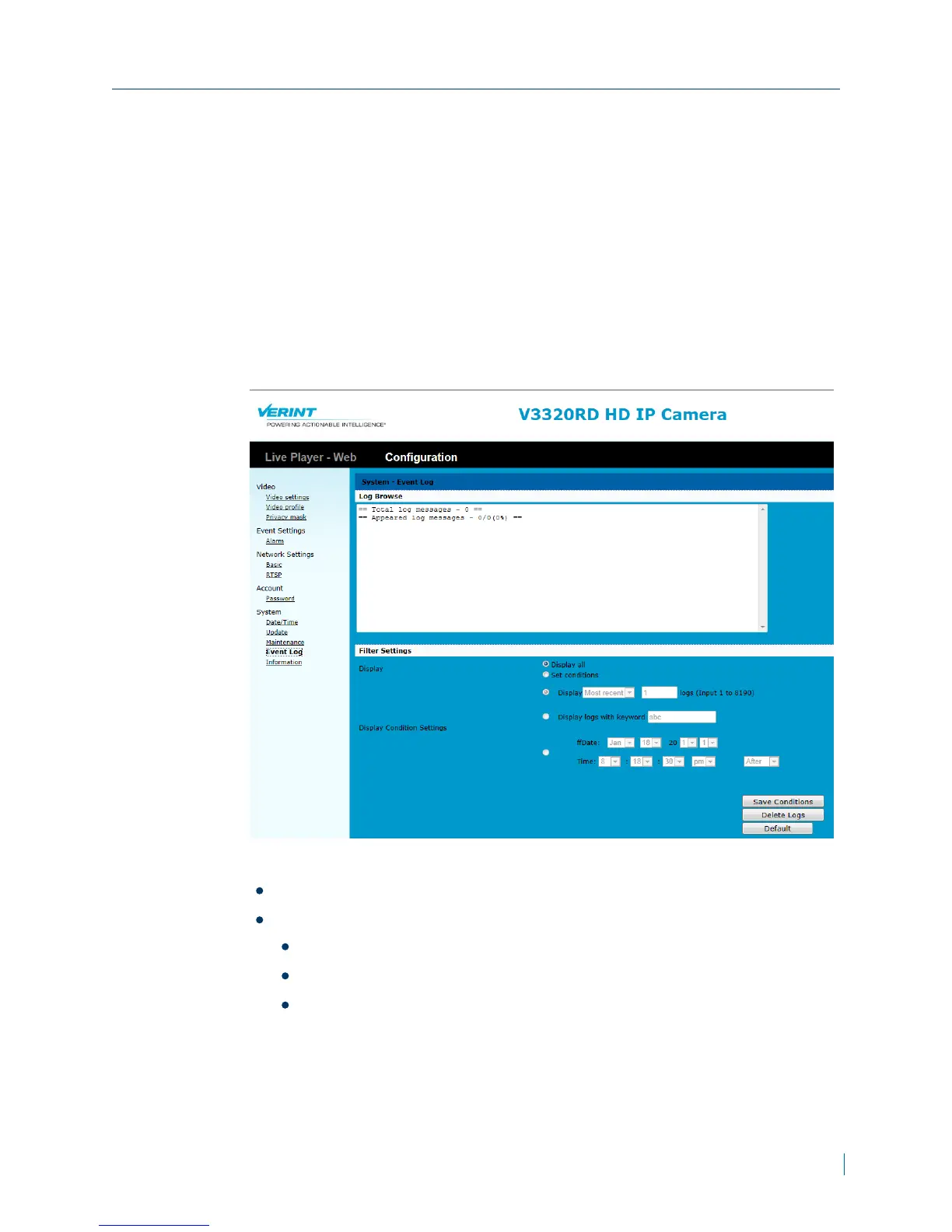
Viewing Event Logs
Upload configuration setting from the computer to the IP camera.
► To view event logs
1. In a web browser, type the IP address of the Nextiva IP camera in the
Address bar, and then press ENTER.
2. Type the username and password.
3. Click Configuration >System >Event Log.
4. From the Filter Settings, choose one of the following:
Display all
Set conditions:Choose one of the following:
Display recent logs or old logs
Display logs with keyword
Set a date and time
5. Click Save Conditions.
Appendix A: Maintenance and Troubleshooting
© 2013 Verint Video Systems Inc. 47



 To Next Page