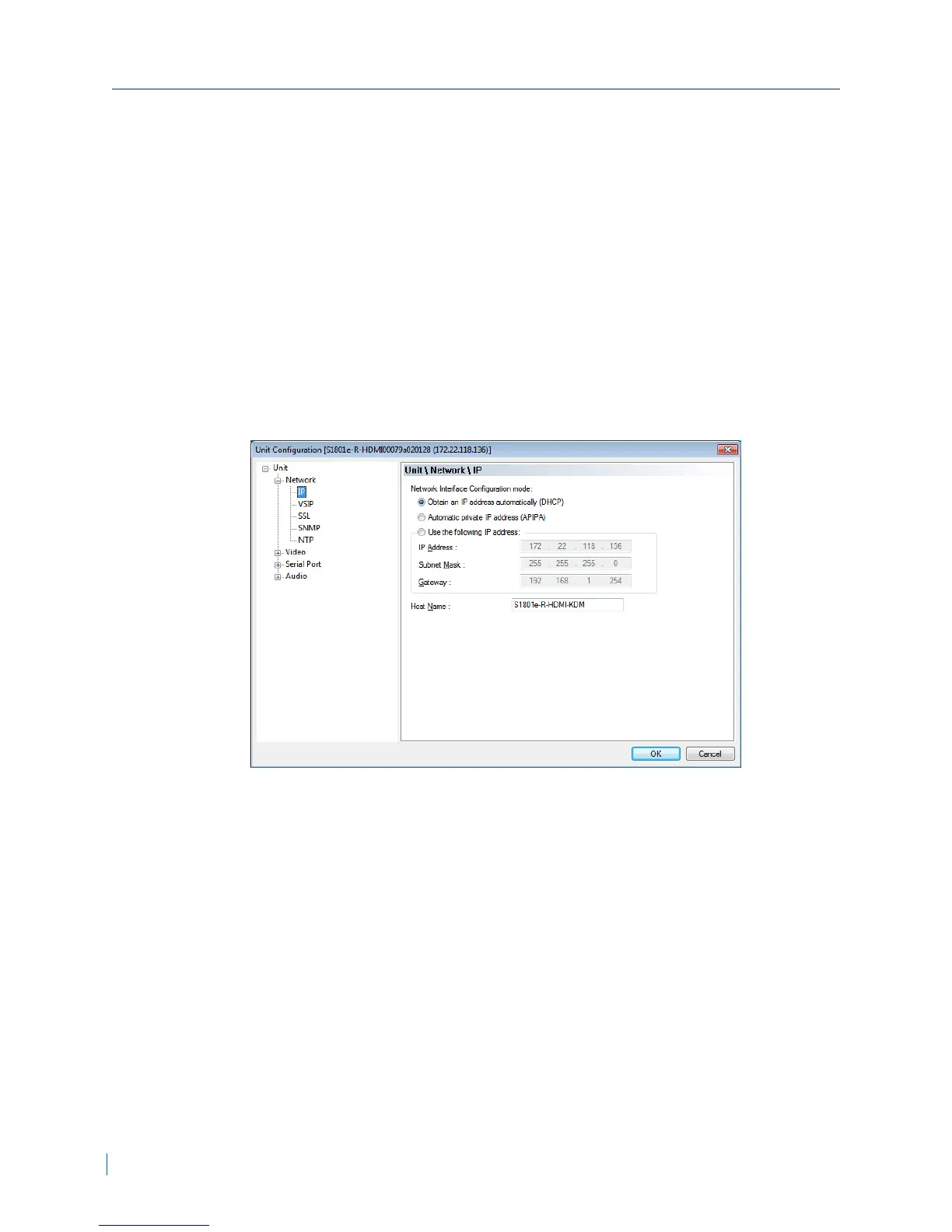
Setting a DHCPIP Address
The S1800e series devices automatically obtains the IP network configuration
from a DHCP server. Use this procedure if you are switching an encoder from a
manual configuration to one using a DHCP server.
► To set a DHCPaddress
1. Start SConfigurator.
2. Select the Units tab, then click Discover.
3. Select the Nextiva device, and click Configure.
4. In the tree view, click Unit >Network > IP.
5. Select Obtain an IPautomatically (DHCP).
6. Click OK to close the Unit Configuration dialog box.
7. Click Exit.
Setting a DHCPIP Address
19 © 2013 Verint Video Systems Inc.



 To Next Page