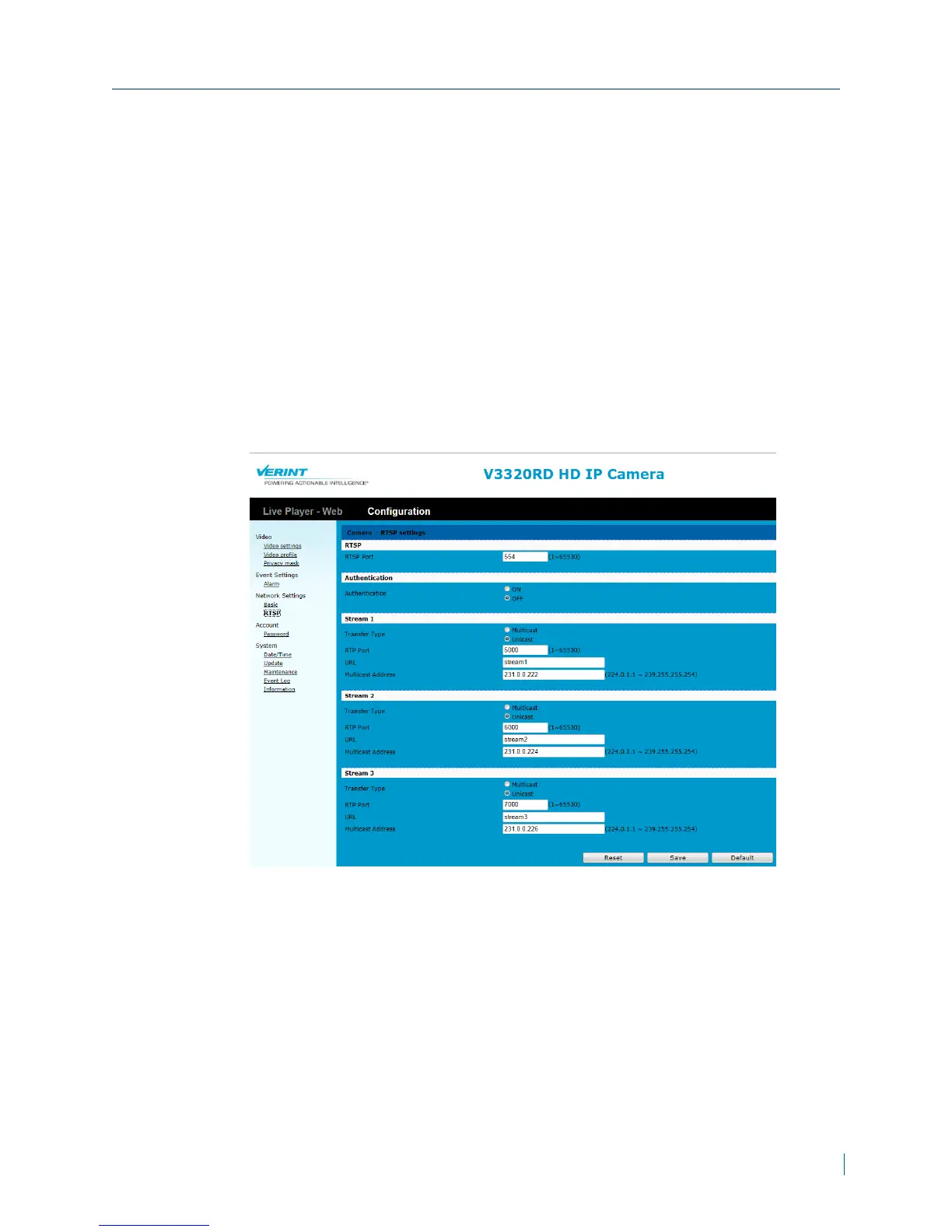
Configuring the RTSPSettings
Real Time Streaming Protocol (RTSP) is an application-level protocol for the
transfer of real-time video data. The Nextiva V3320RD series support the RTSP
protocol to stream H.264 and MJPEG video to third party media players like VLC
or Apple QuickTime.
► To configure RTSPsettings
1. In a web browser, type the IP address of the Nextiva IP camera in the
Address bar, and then press ENTER.
2. Type the username and password.
3. Click Configuration >Network Settings>RTSP.
4. In the RTSPPort box, type the port number to use.
Chapter 3: Configuration
© 2013 Verint Video Systems Inc. 36



 To Next Page