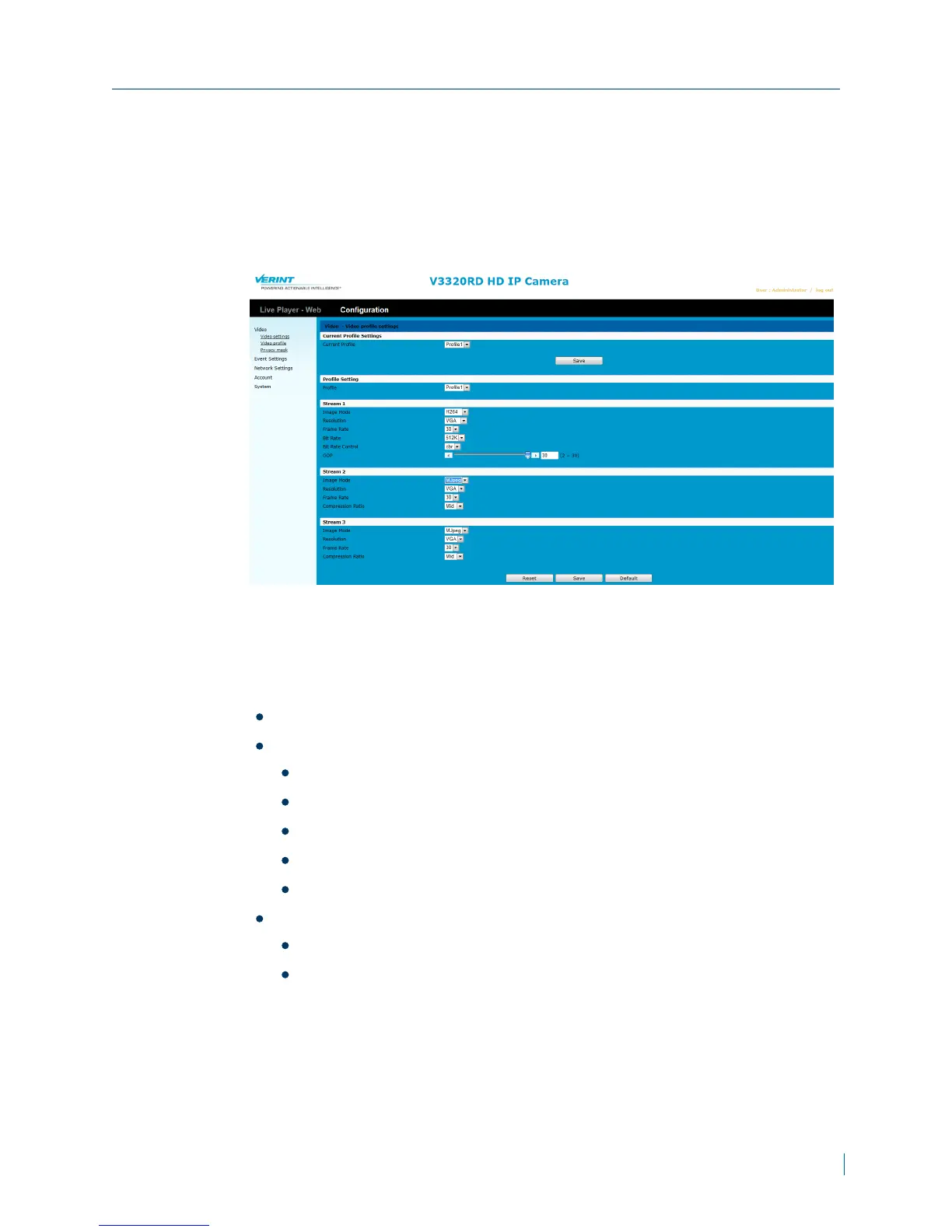
► To configure video profiles
1. In a web browser, type the IP address of the Nextiva IP camera in the
Address bar, and then press ENTER.
2. Type the username and password.
3. Click Configuration >Video >Video Profiles.
4. From the Current Profile Settings, section, from the Profile list, select a
profile.
5. Click Save.
6. From the Stream 1 section, set the values for the following:
Image Mode: Select H.264 or MJPEGas the compression mode.
Resolution: Select one of the following resolutions:
1080P
720P
VGA
CIF
QVGA
Frame Rate: The frame rate is displayed per second.
PAL:Choose from 5, 10, 12 or 25
NTSC:Choose from 5, 10, 15 or 30
Chapter 3: Configuration
© 2013 Verint Video Systems Inc. 28



 To Next Page