27
Digitax SF Instruction Manual
Tuning
7
7. Tuning
3. Tuning Parameters
3. Tuning Parameters
Function
With this parameter, a set of the tuning parameters can be set all at once�
(*1)
Increasing the value of this parameter will improve the command response, position
deviation during motion, settling time, and control rigidity�
Parameter Set
113�0
(Position Control Mode)
Control level 114�0
Control Gain 1 115�0
Control Gain 2 116�0
Integral gain 119�0
Torque command lter: Low-pass lter time constant
(*2)
162�0
129�0
(Velocity Control Mode)
Control level 130�0
Control Gain 1 131�0
Integral gain 133�0
Torque command lter: Low-pass lter time constant
(*2)
162�0
Remark
Too high a setting will cause noise�
When increasing the value, check the resulting operation to avoid oscillation or vibration�
Tuning Tip
• Set the value to 5 rst to x the inertia ratio�
• Gradually increase the setting value while watching the motion�
If noise occurs, use a notch lter or decrease the low-pass lter setting�
Page 42 Torque Command Filter: Notch lter
Page 43 Torque Command Low-Pass Filter
*2) This is when Low-pass lter auto Setting (160�2) = 1 (auto setting ON)
Control gain set settings
Command
Responsiveness
Rigidity Settling Time Noise
5
slow low long unlikely
10
↑
↓
↑
↓
↑
↓
↑
↓
15
(Default)
20
30
quick high short likely
Under the Auto Tuning tab, tick the detail setup box, and then select from 1-46 one by one�
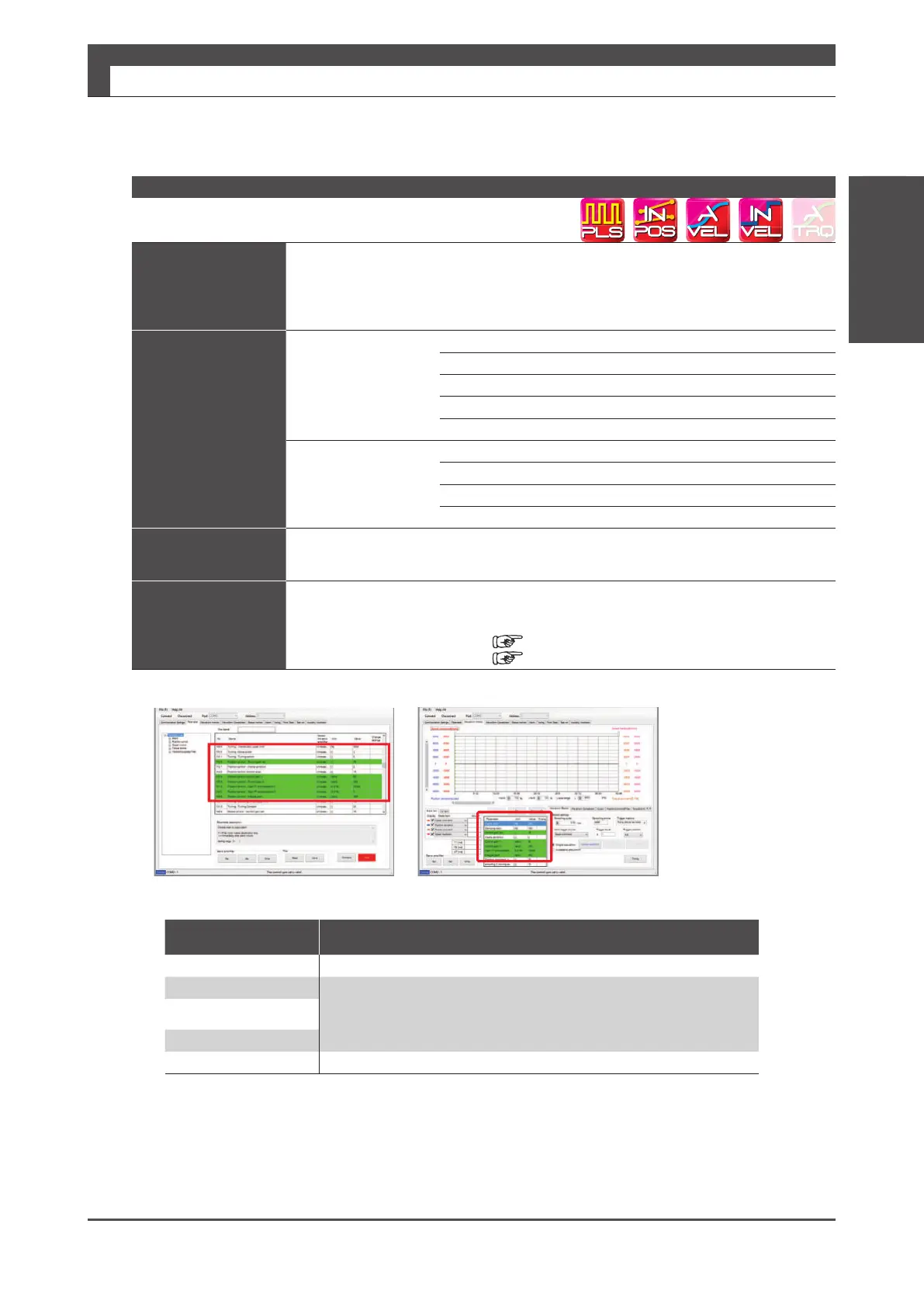
*1) In the Digitax SF Connect parameters grouped in the control gain set are highlighted in green�
Control Gain Set






 To Next Page