22
Digitax SF Instruction Manual
7. Tuning
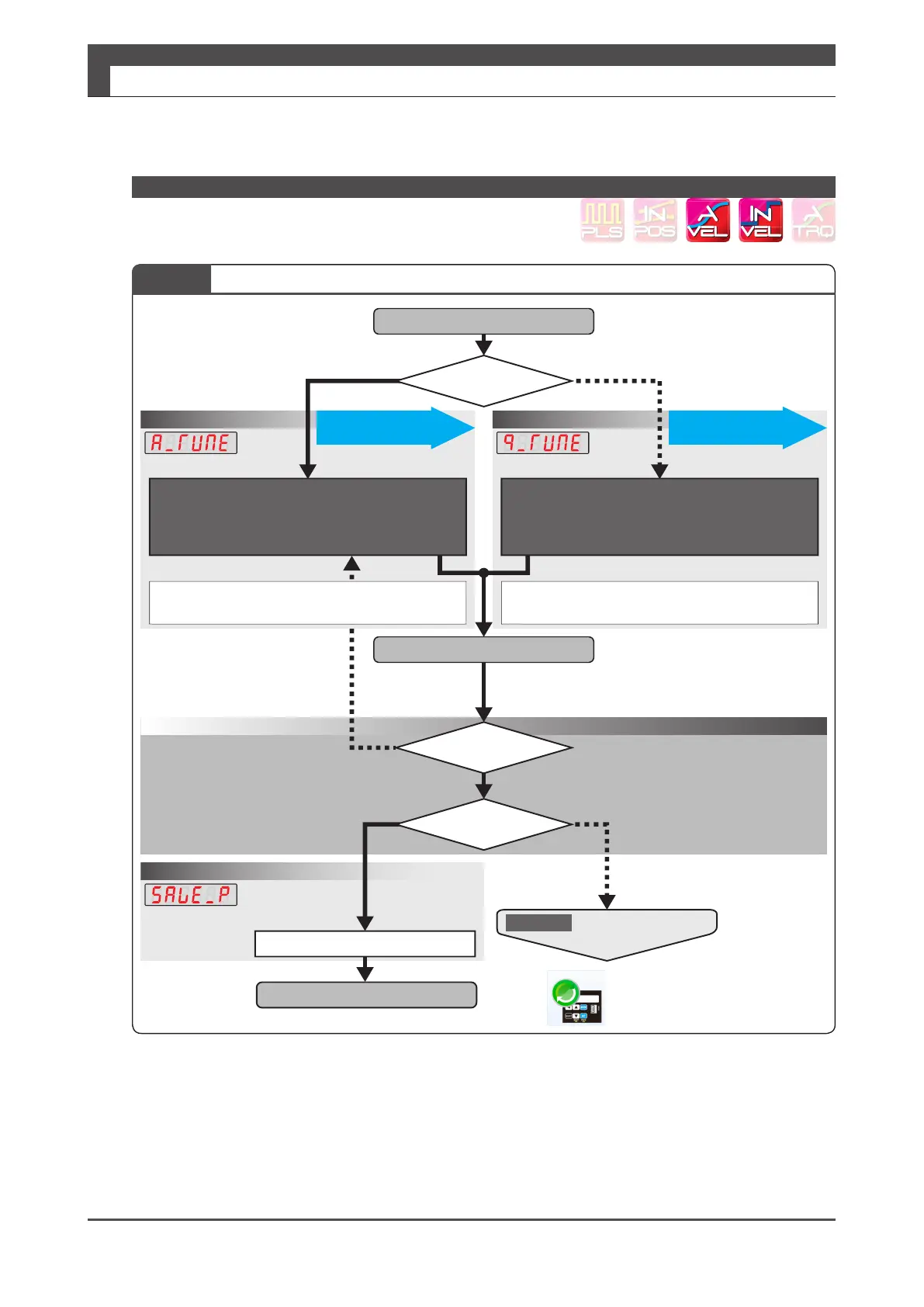
2. Tuning Procedure
*)Starting tuning with the lowest setting of the controller gain set will provide successful tuning with no vibrations and low noise�
YN
Y
Y
N
N
Stage2
StartTuning
Tuningcomplete
FinalTuning
Operation1A
Confirm
Writetothedrive
・Shortersettlingtime
・Betterresponsiveness
・Less/novibration
Isthemotorquiet?
Acceptablemotion?
① SetControlGainSetto"5"
② Enteraninertiaratiovalue
Manuallyenter
theinertiaratio.
Istheinertiaratioknown?
Operation1B
Inertiaratio
Quicktuning
QuickTuning
① SettheInertiaCondition
② Controlgainsetaccordingtotheinertiaratioautomatically
③ SettheTuningItems
Waituntilthemotionbecomesstable
・Ifpositionerroroccurs
Handletheerrorby,forexample,decreasing
therotationalspeedtoabout1,000rpm.
Operation2
Visuallycheckthemotionetc.
(PerformedbyDigitax SF Connect)
AutoTuningMode
Savingparameters
QuickTuningMode
Lettheequipmentsystemmove.
・Checkthemotormotionbytestoperation
orexternalcommandinput.
・Repeatthesystementiremotionseveraltimes.
ManuallyInput
Ifabnormalvibrationwithloudnoiseoccurs
・Decreasetheinertiaratio
(*)
Auto Tuning on Setup Panel
Stage 1 Setting the Inertia ratio and Optimizing Control Gain Set






 To Next Page