51 | Kato Engineering, Inc.
8.4 Flash Programming Updates
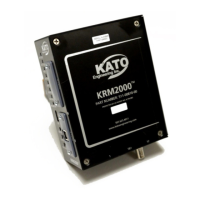
The KRM2000
TM
receiver can be updated through the front USB port utilizing a cable with a type A
connector. Refer to section 5.3.3 for the latest driver updates.
Open up C2Prog.exe, which can be downloaded from http://www.codeskin.com/programmer. Once
opened, select the appropriate .hex file, as shown below.
Figure 24 Flash File Selection
Set the Target to “28235,335” and for Options, select 30MHz. Connect the USB cable to the front
port. Properly configure the port to the one that is connected to the receiver. Once the port has
been properly configured, press the ‘Reset’ button on the front of the receiver. This will put the
receiver into a reset mode. Select Program and the boot loader will begin downloading the firmware.
Once the download is complete, disconnect the USB cable and reboot the receiver.


 To Next Page