45
Shooting Features
* Some effects cannot be selected depending on the setting of Movie options
(A90).
Functions Available in Special Effects Mode
• Flash mode (A54)
• Self-timer (A57)
• Focus mode (A59)
• Exposure compensation (A63)
• Shooting menu (A66)
Painting* Gives the image a painting-like appearance.
High key Gives the entire image a bright tone.
Low key Gives the entire image a dark tone.
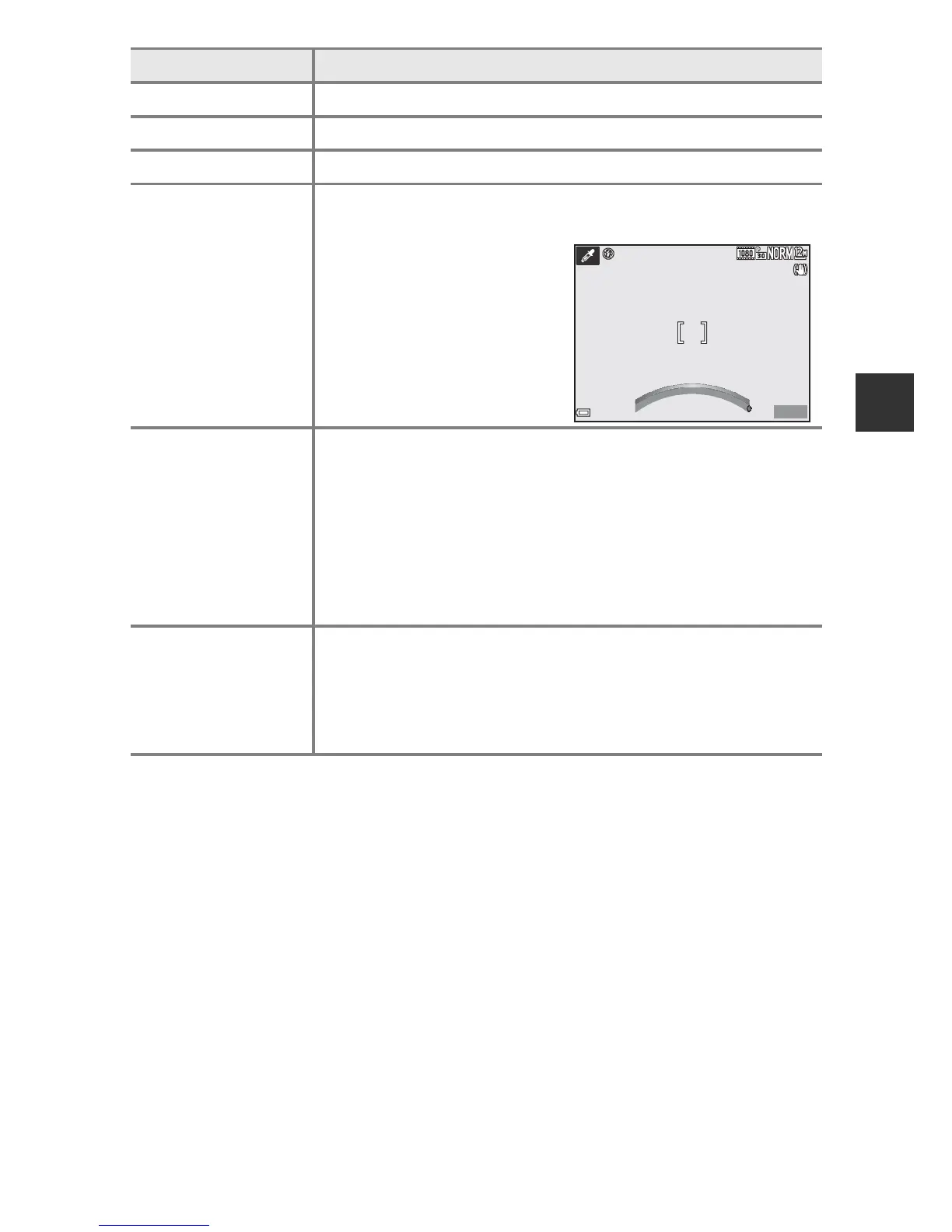
Selective color
Keeps only a selected color and makes other colors black-
and-white.
• Select a color that you
want to retain by using
the control ring.
High ISO
monochrome
Creates monotone (black-and-white) images by
intentionally taking images with high ISO sensitivity. This
setting is effective when shooting subjects in low lighting
conditions.
• The images taken may contain noise (randomly-spaced
bright pixels, spots or lines).
• You can perform fine adjustment of contrast by using the
control ring.
Cross process
Creates images with an unusual hue by converting a
positive color image into negative or negative color image
into positive.
• You can perform fine adjustment of hue by using the
control ring.
Option Description













 To Next Page