26
The Basics of Shooting and Playback
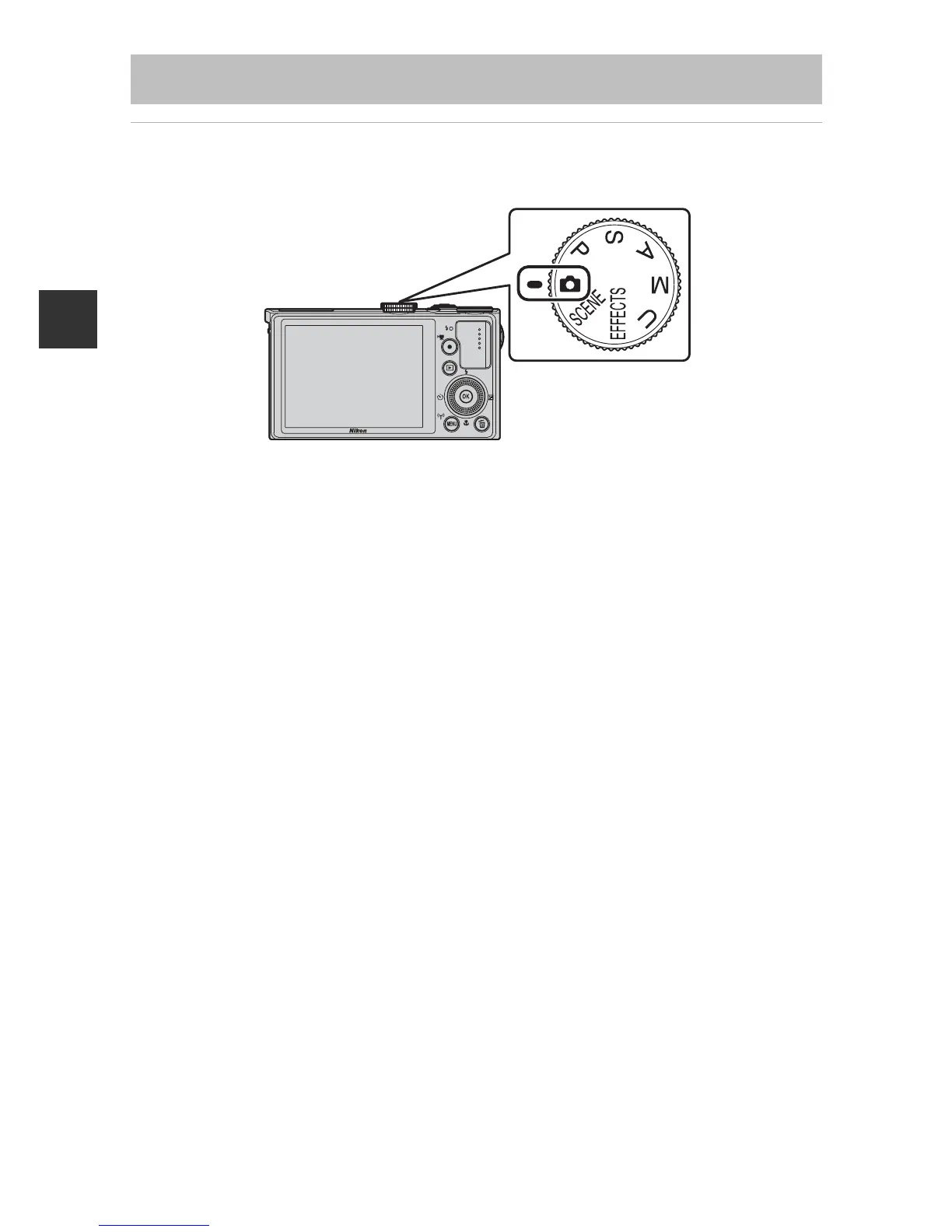
Rotate the mode dial to select a shooting mode.
• A (auto) mode is used in this example. Rotate the mode dial to A.
C Notes About the Flash
In situations where a flash is needed, such as in dark locations or when the subject is
backlit, make sure to raise the flash (A54).
Step 2 Select a Shooting Mode













 To Next Page