46
Shooting Features
Images can be shot with greater control by
setting the shooting menu (A66) items in
addition to setting the shutter speed or aperture
value manually according to shooting conditions
and requirements.
• The focus area for autofocus differs depending
on the setting of AF area mode (A67).
• When AF area mode is set to Target finding AF (default setting), the
camera detects the main subject and focuses on it.
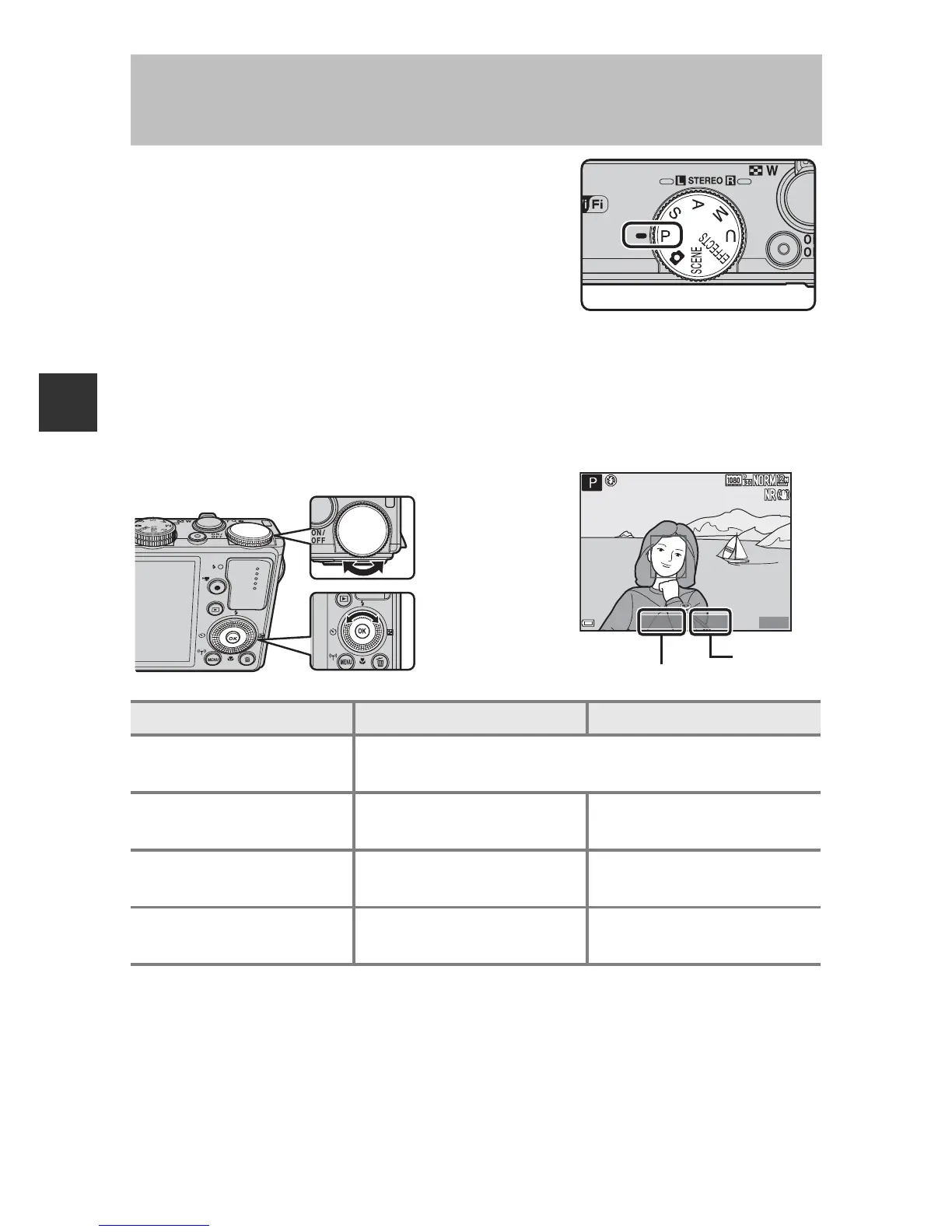
Rotate the command dial or multi selector to set the shutter speed and
aperture value.
C More Information
See “Toggle Av/Tv selection” (A93) for more information.
A
,
B
,
C
,
D
Modes (Setting the Exposure for
Shooting)
Exposure mode
Shutter speed (A50)
Aperture value (A47)
A
Programmed auto
(A48)
Automatically adjusted (flexible program is enabled by
the command dial).
B
Shutter-priority
auto (A48)
Adjusted by the
command dial.
Automatically adjusted.
C
Aperture-priority
auto (A48)
Automatically adjusted.
Adjusted by the multi
selector.
D Manual (A48)
Adjusted by the
command dial.
Adjusted by the multi
selector.
1/250













 To Next Page