82
Playback Features
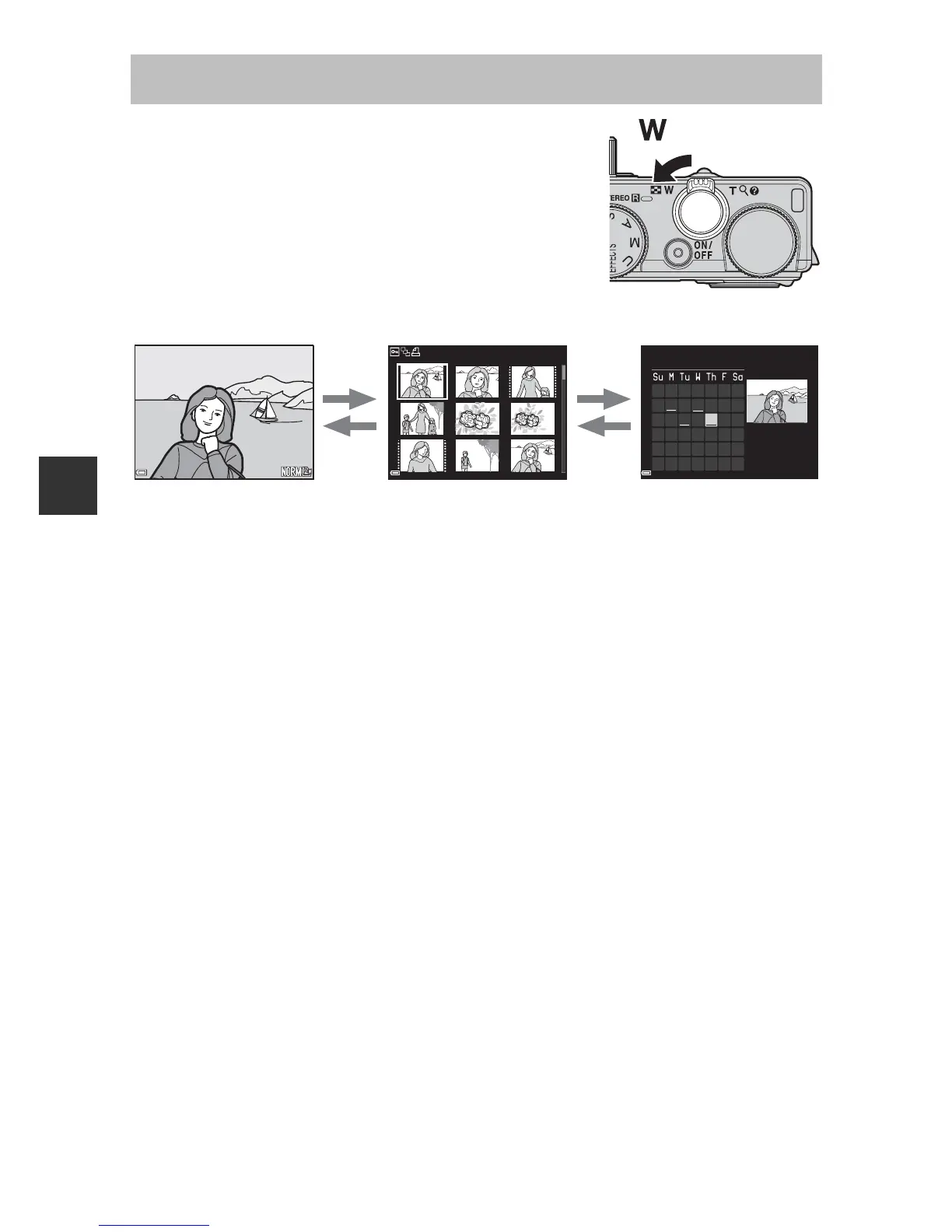
Moving the zoom control toward
f
(
h
) in full-
frame playback mode (
A
32) displays images as
thumbnails.
• You can change the number of thumbnails displayed by moving the zoom
control toward f
(
h
)
or g (i).
• While using thumbnail playback mode, use the multi selector HIJK or
rotate it to select an image, and then press the k button to display that
image full-frame.
• While using calendar display mode, use the multi selector HIJK or
rotate it to select a date, and then press the k button to display the images
captured on that day.
B Calendar Display
Images captured when the camera’s date is not set are treated as images captured
on January 1, 2014.
Thumbnail Display, Calendar Display













 To Next Page