54
Shooting Features
Using the Flash
You can shoot images with a flash by raising the built-in flash. You can set the
flash mode to match the shooting conditions.
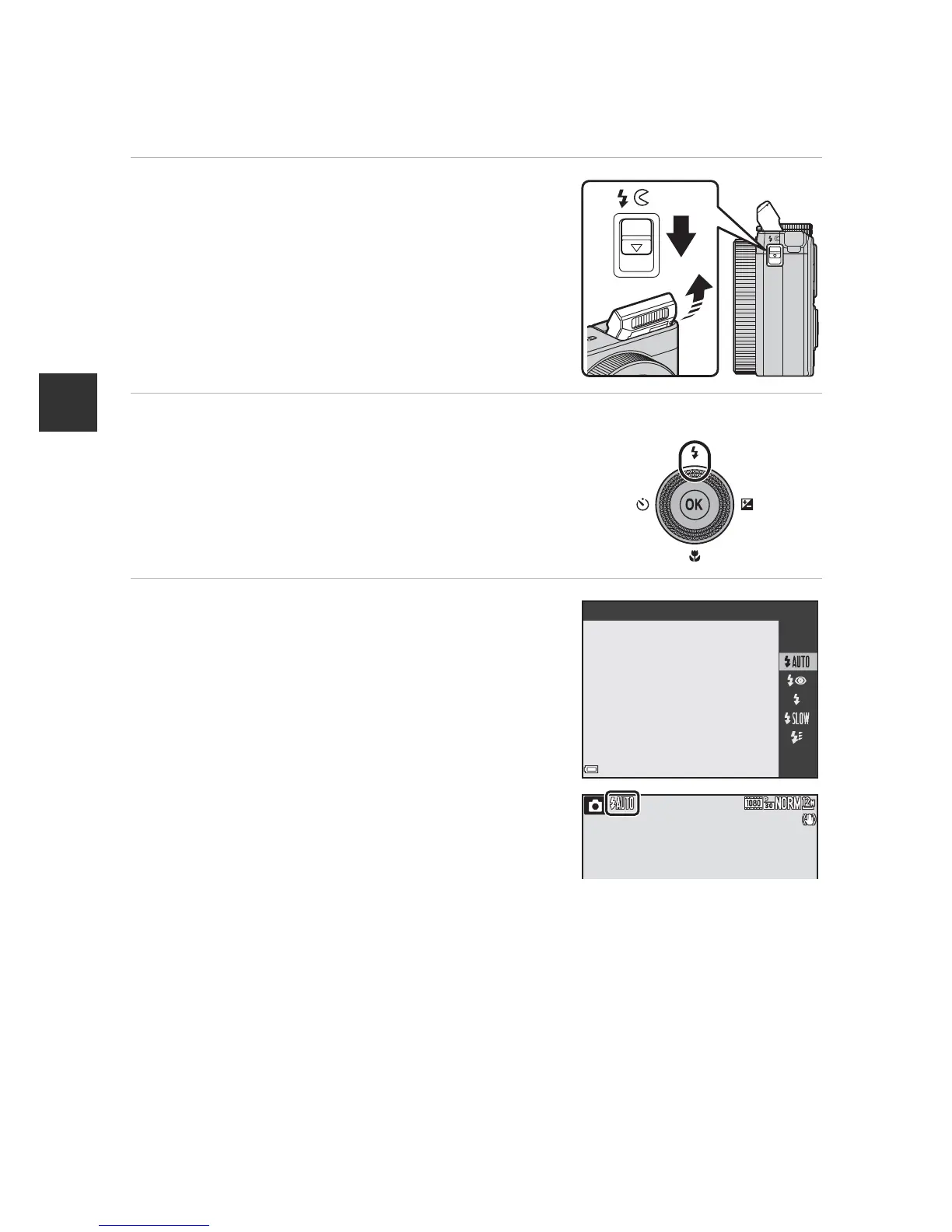
1 Lower the K (flash pop-up)
control to raise the flash.
• When the flash is lowered, flash operation is
disabled and S is displayed.
2 Press the multi selector H (m).
3 Select the desired flash mode
(A55) and press the k button.
• If a setting is not applied by pressing the k
button within a few seconds, the selection
will be canceled.
Auto













 To Next Page