8
Parts of the Camera and Main Functions
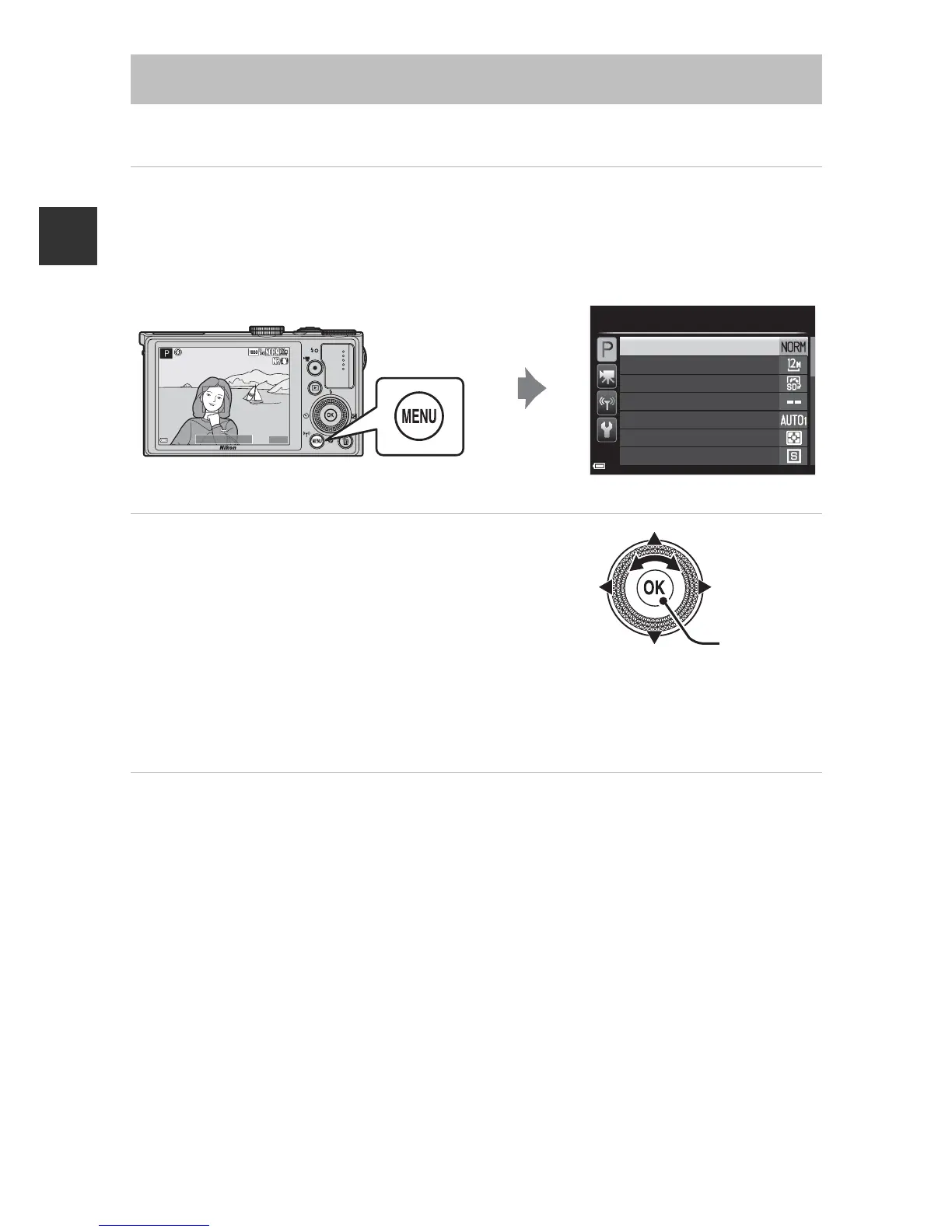
Use the multi selector and k button to navigate the menus.
1 Press the d button.
• The menu that matches the status of the camera, such as shooting or
playback menu, is displayed.
Unavailable menu items are displayed in gray and cannot be selected.
2 Use the multi selector to select a
menu item.
• HI or rotation: Select an item above or
below.
• JK: Select an item on the left or right, or
move between menu levels.
• k: Apply a selection. Pressing K also applies
a selection.
• See A9 for more information on how to switch tabs.
3 After completing the settings, press the d button or
shutter-release button.
• Press the shutter-release button to display the shooting screen.
C Notes About the Command Dial Operation When a Menu is
Displayed
Rotating the command dial when a menu is displayed allows you to select an item.
Using Menus (the d Button)













 To Next Page