Reference Section
E11
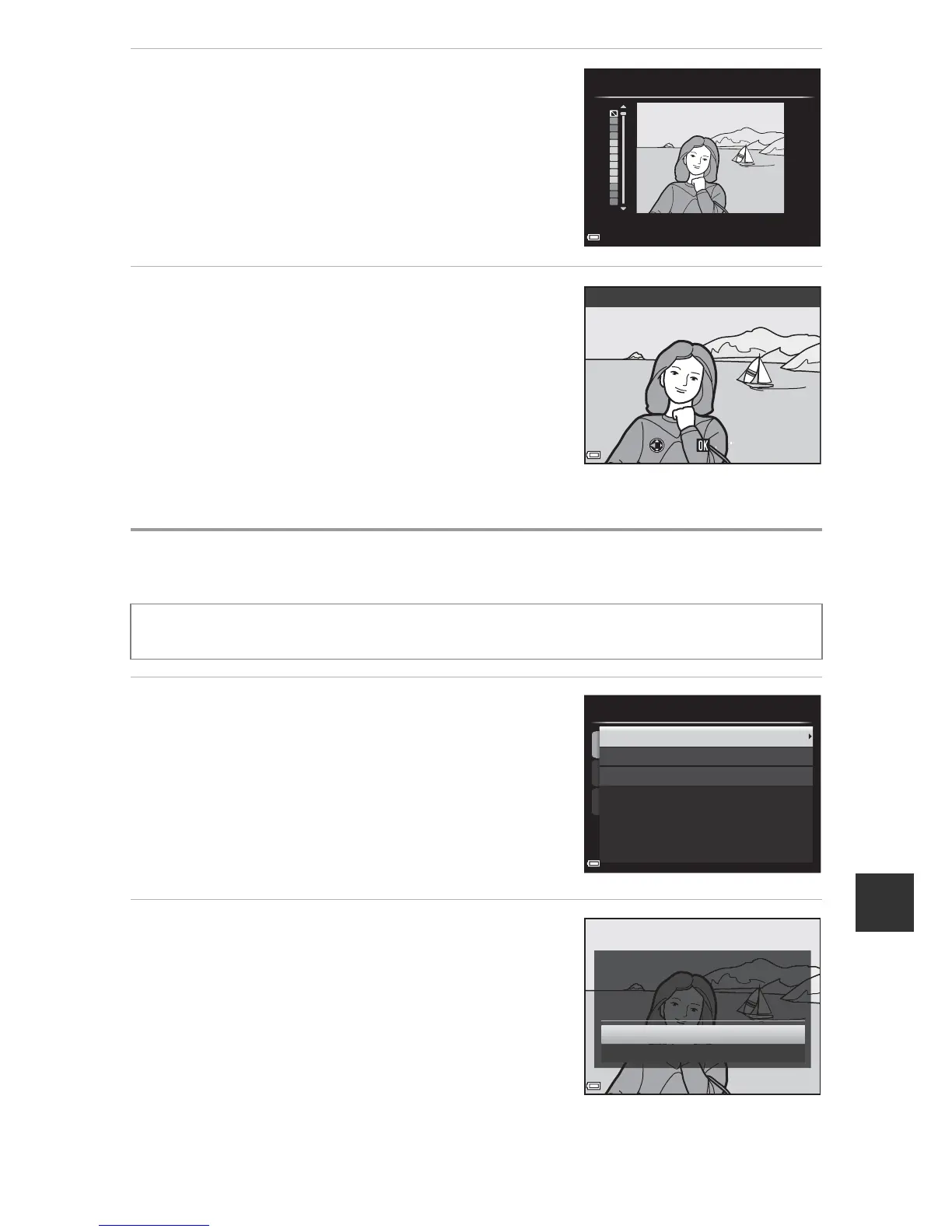
2 Use HI to select the color to
keep and press the k button.
3 Preview the result and press the k
button.
• An edited copy is created.
• To exit without saving the copy, press J.
g Small Picture: Reducing the Size of an Image
1 Use the multi selector HI to
select the desired copy size and
press the k button.
• When the aspect ratio of the image is 16:9,
only 640×360 can be selected.
• When the aspect ratio of the image is 3:2 or
1:1, the image cannot be edited.
2 Select Yes and press the k
button.
• An edited copy is created (compression
ratio of approximately 1:16).
Select an image (A32) M d button (A8) M g Small picture
Selective color













 To Next Page