Reference Section
E17
4 The camera is automatically turned on.
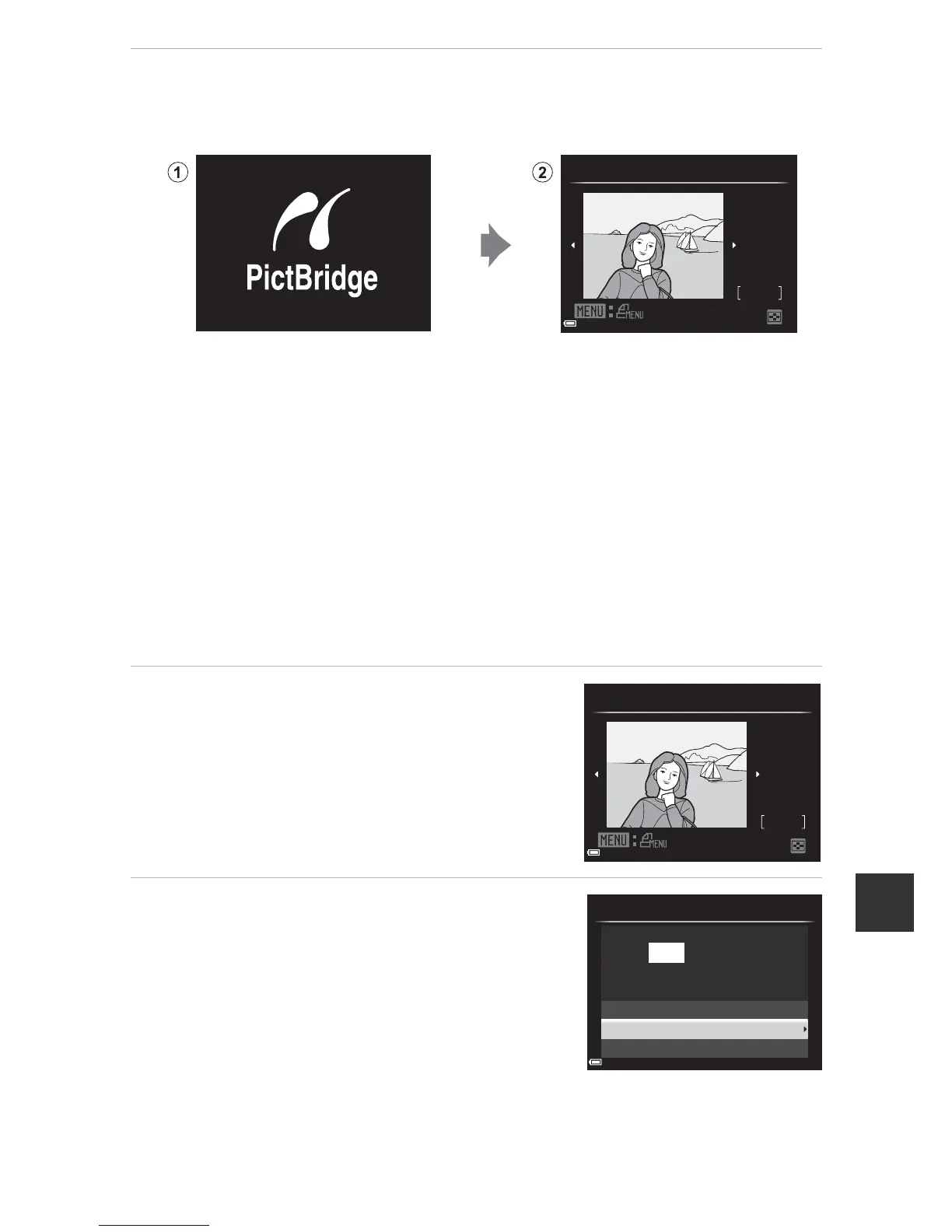
• The PictBridge startup screen (1) is displayed in the camera monitor,
followed by the Print selection screen (2).
B If the PictBridge Startup Screen Is not Displayed
When Auto is selected for Charge by computer (E77), it may be impossible
to print images with direct connection of the camera to some printers.
If the PictBridge startup screen is not displayed after the camera is turned on,
turn the camera off and disconnect the USB cable. Set Charge by computer
to Off and reconnect the camera to the printer.
C More Information
See “Printing Images of Size 1:1” (E25) for more information.
Printing Individual Images
1 Use the multi selector HIJK to
select the desired image and press
the k button.
• Move the zoom control toward f (h) to
switch to thumbnail playback or g (i) to
switch to full-frame playback.
2 Use HI to select Copies and
press the k button.





 To Next Page