E73
Reference Section
Digital Zoom
B Notes About Digital Zoom
• Digital zoom cannot be used in the following scene modes.
- Scene auto selector, Portrait, Night portrait, Easy panorama, Pet portrait
• Digital zoom cannot be used when using certain settings of other functions.
• When digital zoom is in effect, Metering (E34) is set to Center-weighted or
Spot depending on the magnification of an enlargement.
Control Ring Options
Assign a function (A69) to the control ring when the shooting mode is A
(auto), A, B, C, D or i.
Press the d button M z tab (A9) M Digital zoom
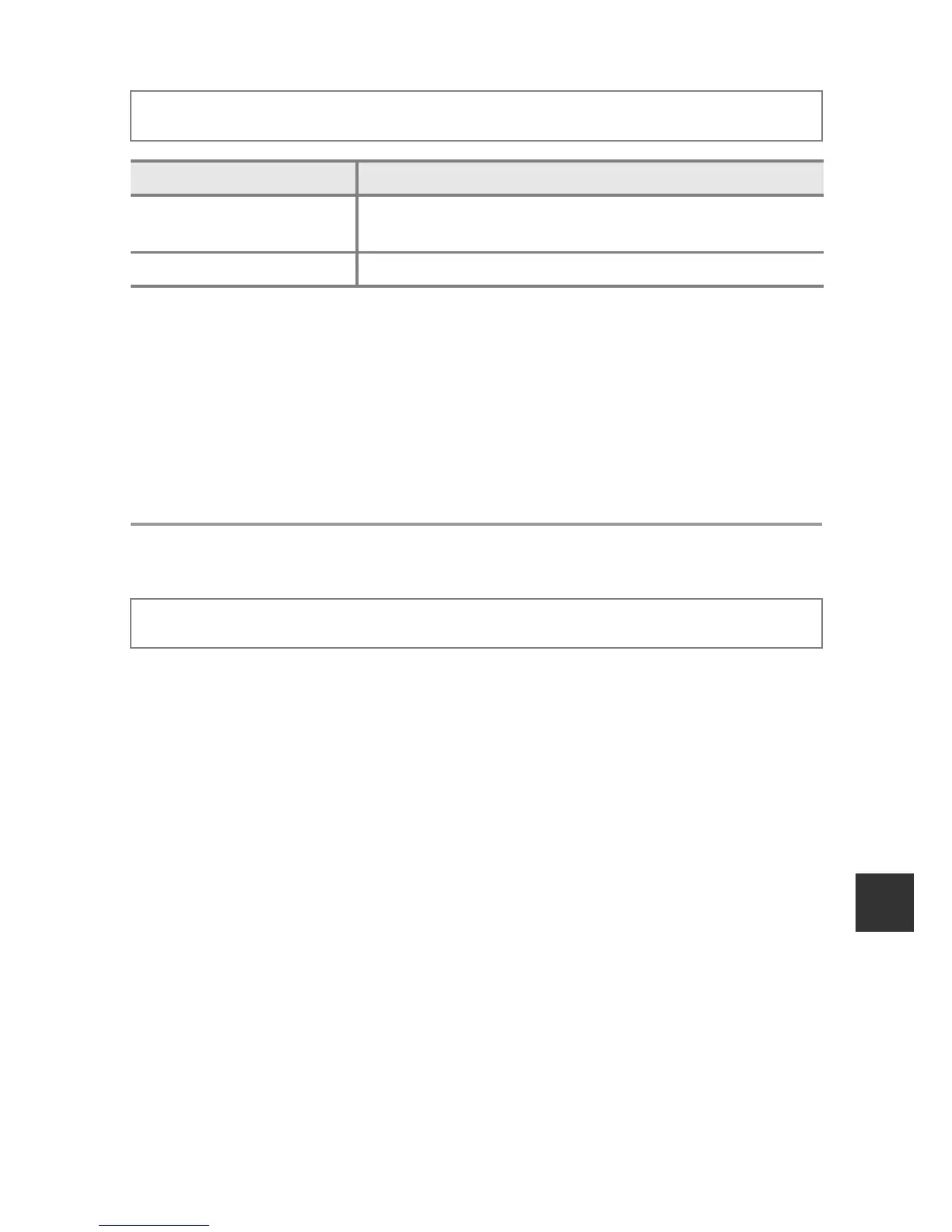
Option Description
On
(default setting)
Digital zoom is enabled.
Off Digital zoom is disabled.
Press the d button M z tab (A9) M Control ring options





 To Next Page