I
S.s
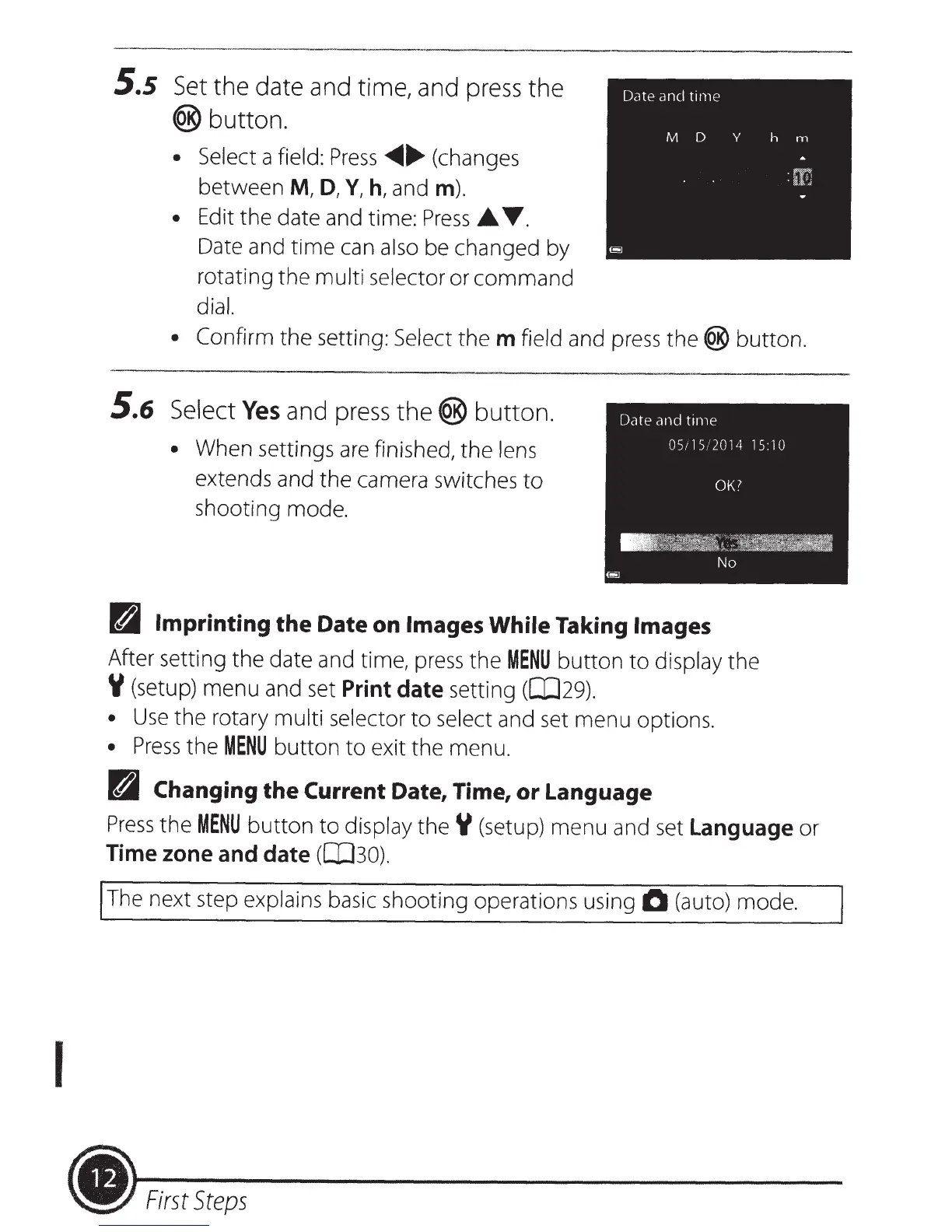
Set
the date and time, and press the
®button.
• Select
a
field:
Press
~
....
(changes
between
M,
D,
Y,
h,
and
m).
• Edit the date and time:
Press_.
T.
Date and
time
can
also be changed by
rotating the multi selector or
command
dial.
• Confirm
the setting:
Select
the
m
field and
press
the®
button
.
5.6
Select
Yes
and press
the®
button.
•
When settings
are
finished, the
lens
extends and the camera switches
to
shooting
mode
.
D
Imprinting
the
Date
on
Images While
Taking
Images
After setting the date and time,
press
the
MENU
button
to
display
the
Y (setup) menu and set
Print date
setting ([JJ29).
•
Use
the rotary multi selector
to
select
and set menu options.
•
Press
the
MENU
button
to
exit the menu.
D
Changing
the
Current
Date, Time,
or
Language
Press
the
MENU
button
to
display
theY
(setup) menu and
set
Language
or
Time zone and date
(0J30).
The next step explains basic shooting operations using
0 (auto) mode.
~-
First
Steps













 To Next Page