EasyManua.ls Logo

Nikon COOLPIX P340 - Selecting a Shooting Mode

Nikon COOLPIX P340
292 pages
Print Icon
To Next Page IconTo Next Page
To Previous Page IconTo Previous Page
Loading...
I
Selecting a Shooting
Mode
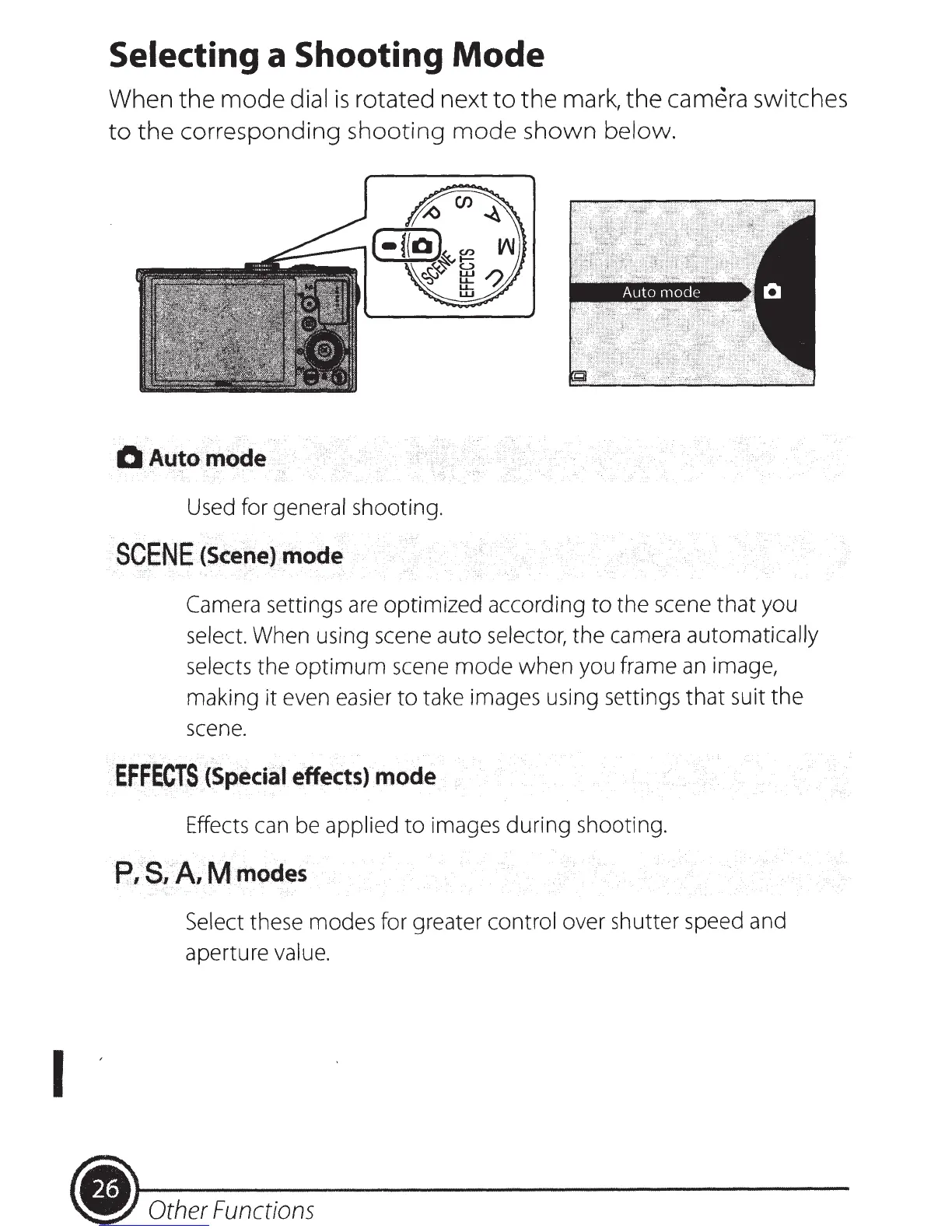
When
the
mode
dial
is
rotated next
to
the
mark,
the
camera
switches
to
the
corresponding
shooting
mode
shown
below.
0Automode
,,
Used for general shooting.
SC.ENE
·
<scene)
.
...
m.
ode
Camera
settings
are
optimized according
to
the scene
that
you
select. When using scene auto selector, the camera automatically
selects the
optimum
scene
mode
when you frame
an
image,
making it even easier
to
take images using settings
that
suit
the
scene.
EFFECiS
i
<Special
effects)··
.
mode
Effects can be applied
to
images during shooting.
P,
'S,A.,M
modes
Select these modes for greater control over shutter speed and
aperture value.
Other
Functions

Table of Contents