4
Parts of the Camera and Main Functions
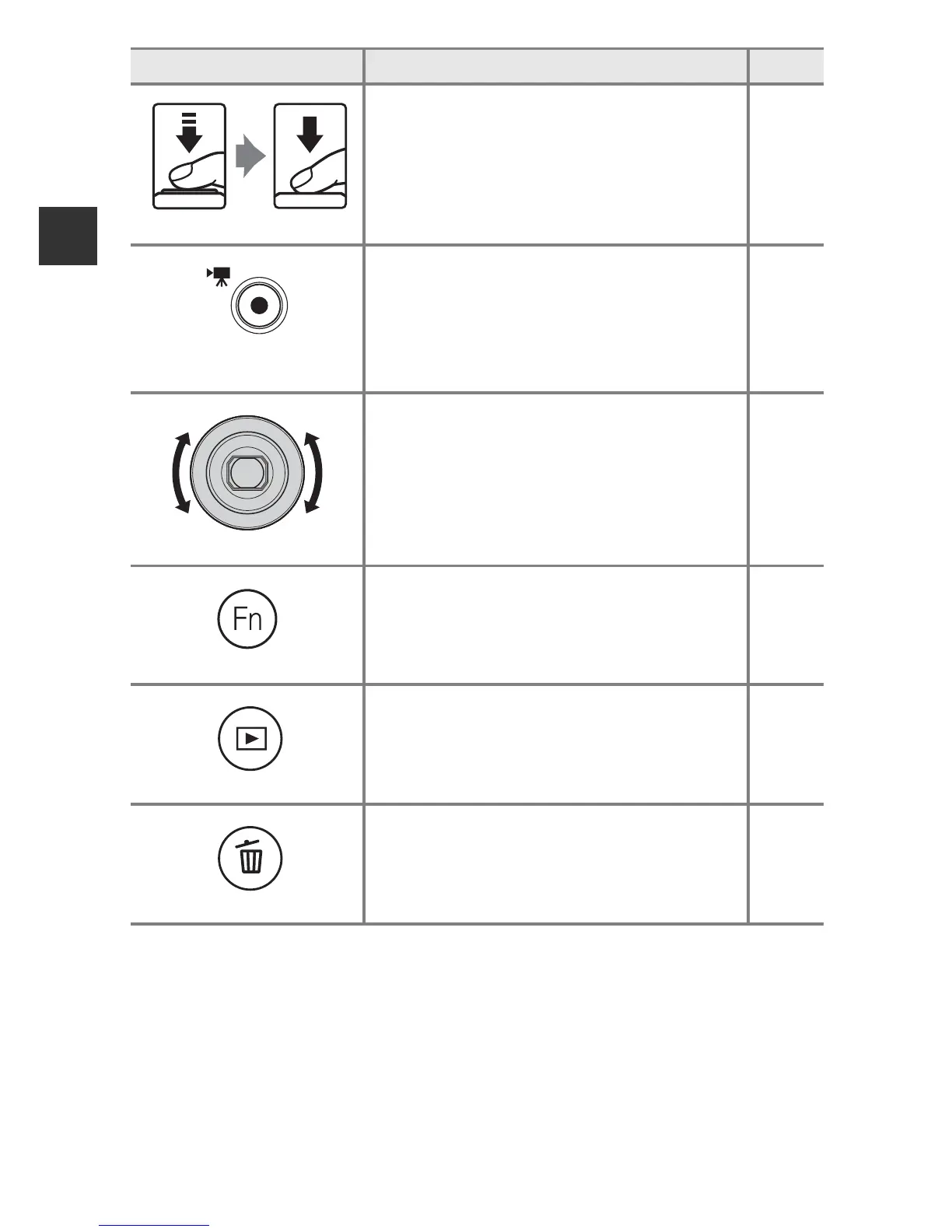
Shutter-release button
When pressed halfway (i.e., if you stop
pressing when you feel resistance slightly):
Set focus and exposure.
When pressed all the way (i.e., if you press
the button all the way down): Release the
shutter.
30, 31
b (e movie-record)
button
Start and stop movie recording. 86
Control ring
Change the settings such as zoom position
and exposure.
69
w (function) button
When the shooting mode is A, B, C, D or
i:
Display or close the setting menus such as
Continuous or Vibration reduction.
71
c (playback) button
Play back images. 32
l (delete) button
Delete the last image that was saved. 33
Control Main Function A













 To Next Page