23
The Basics of Shooting and Playback
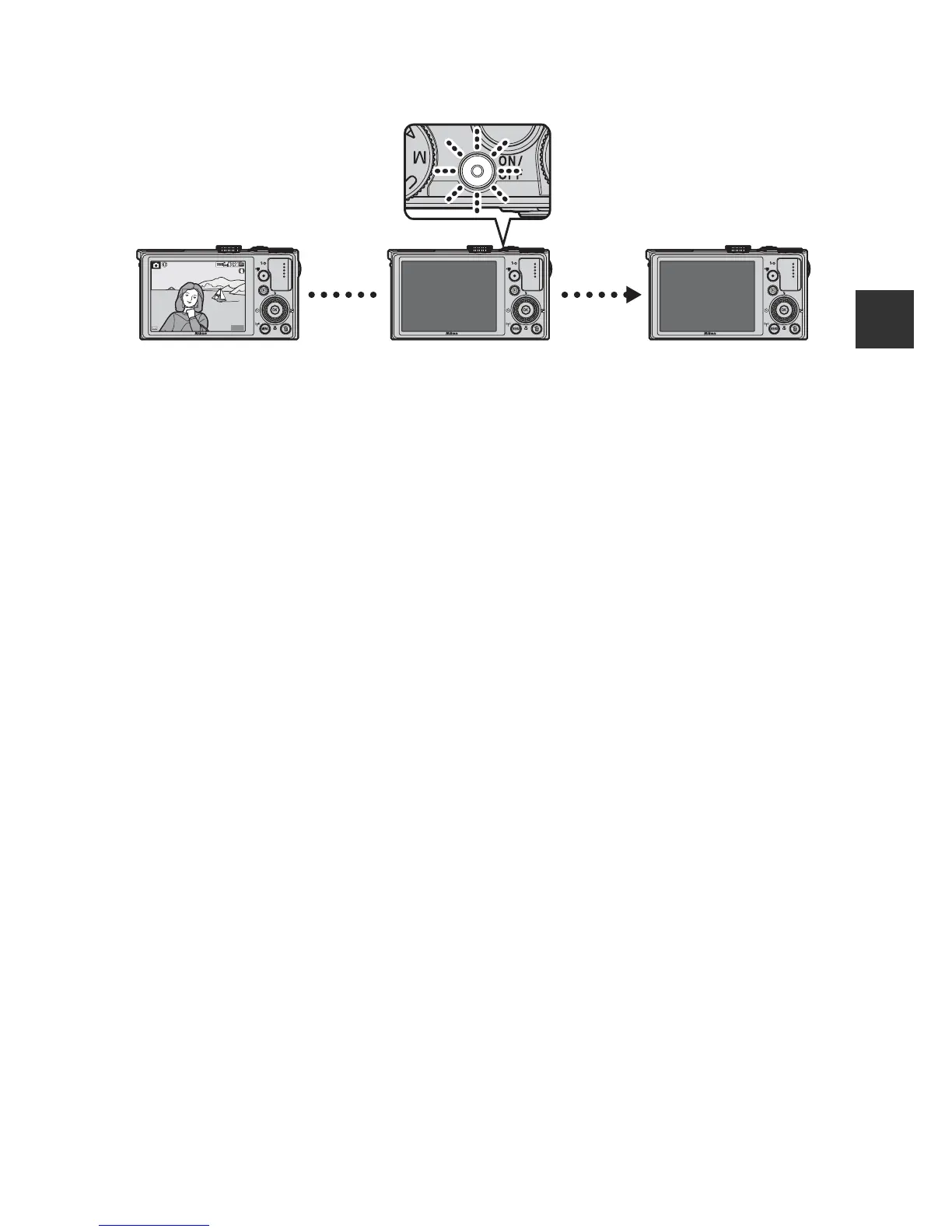
C The Auto Off Function
• The time that elapses before the camera enters standby mode is about 1 minute.
The time can be changed using the Auto off setting in the setup menu (A92).
• While the camera is in standby mode, the monitor turns back on if you perform any
of the following operations:
- Press the power switch, shutter-release button, c button, or b (e movie-
record) button.
- Rotate the mode dial.













 To Next Page