114
Basic Camera Setup: The Setup Menu
Shooting, Playback, and Setup Menus
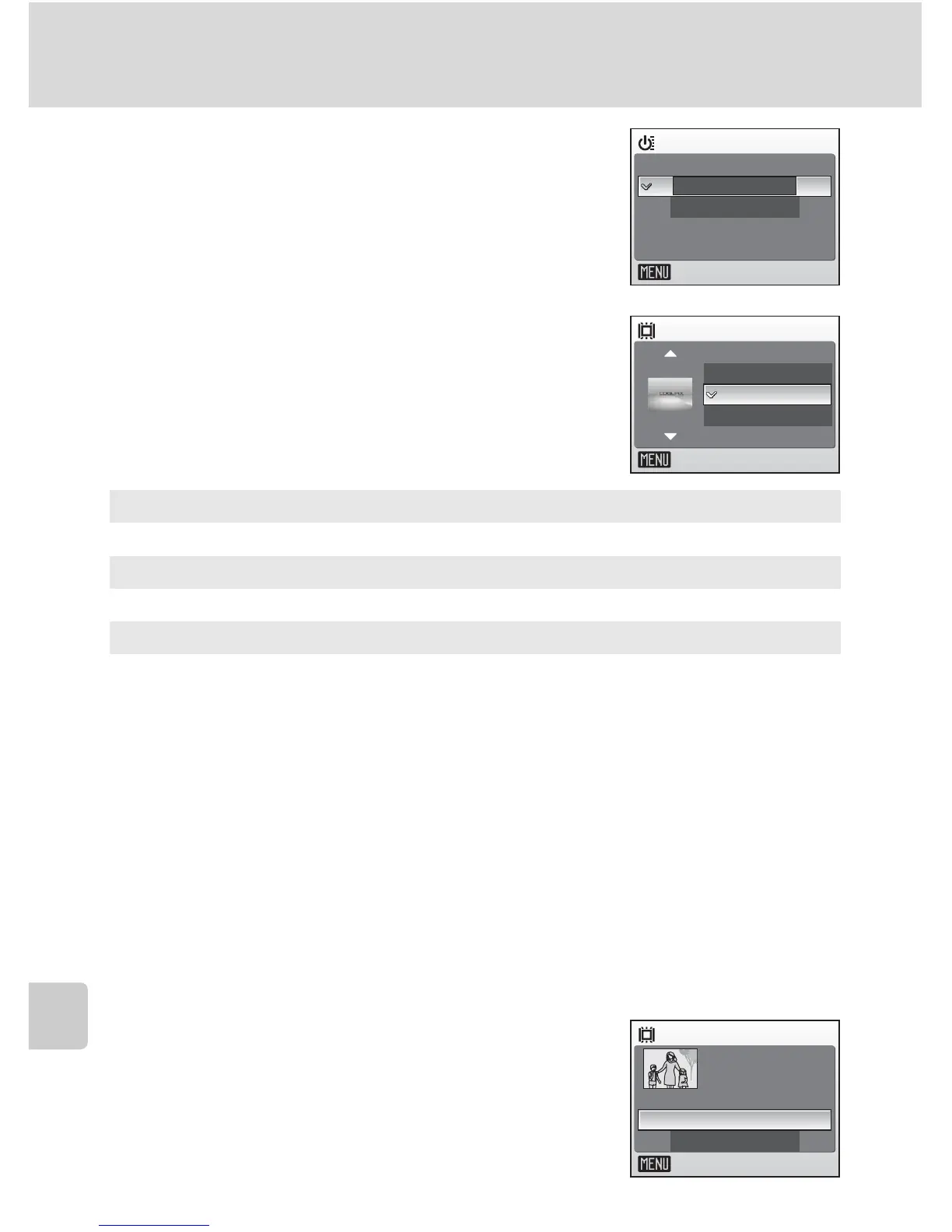
H Quick Startup
Choose [On] to disable the welcome screen and
start-up sound. The camera will be ready for shoot-
ing as soon as it is turned on.
Set to [Off] when enabling the welcome screen.
V Welcome Screen
You can select the welcome screen to be displayed
when the camera is turned on.
To set the welcome screen, [Quick startup] must be
set to [Off].
l When [Select an image] is Selected
If you have already selected a welcome screen picture, you can
select a new one by following the confirmation dialog.
Nikon
Displays a welcome screen when the camera is turned on.
Animation (default)
Displays a short animation when the camera is turned on.
Select an image
Select a picture in the internal memory or on the memory card for the wel-
come screen. The image used in the welcome screen is a copy of the selected
picture and, therefore, is not affected if the original picture is deleted or the
memory card is removed.
1 Choose a picture in the picture selection screen.
• See “Selecting Multiple Pictures” (c 107) for more information.
2 Press d.
Quick startup
On
Off
Exit
Welcome screen
Exit
Nikon
Animation
Select an image
Welcome screen
Exit
Yes
No
Replace current
image?



 To Next Page
 Loading...










