54
Editing Pictures
More on Playback
Enhancing Brightness and Contrast: D-Lighting
D-Lighting can be used to create copies with enhanced brightness and con-
trast, brightening dark portions of a picture. Enhanced copies are stored as
separate files.
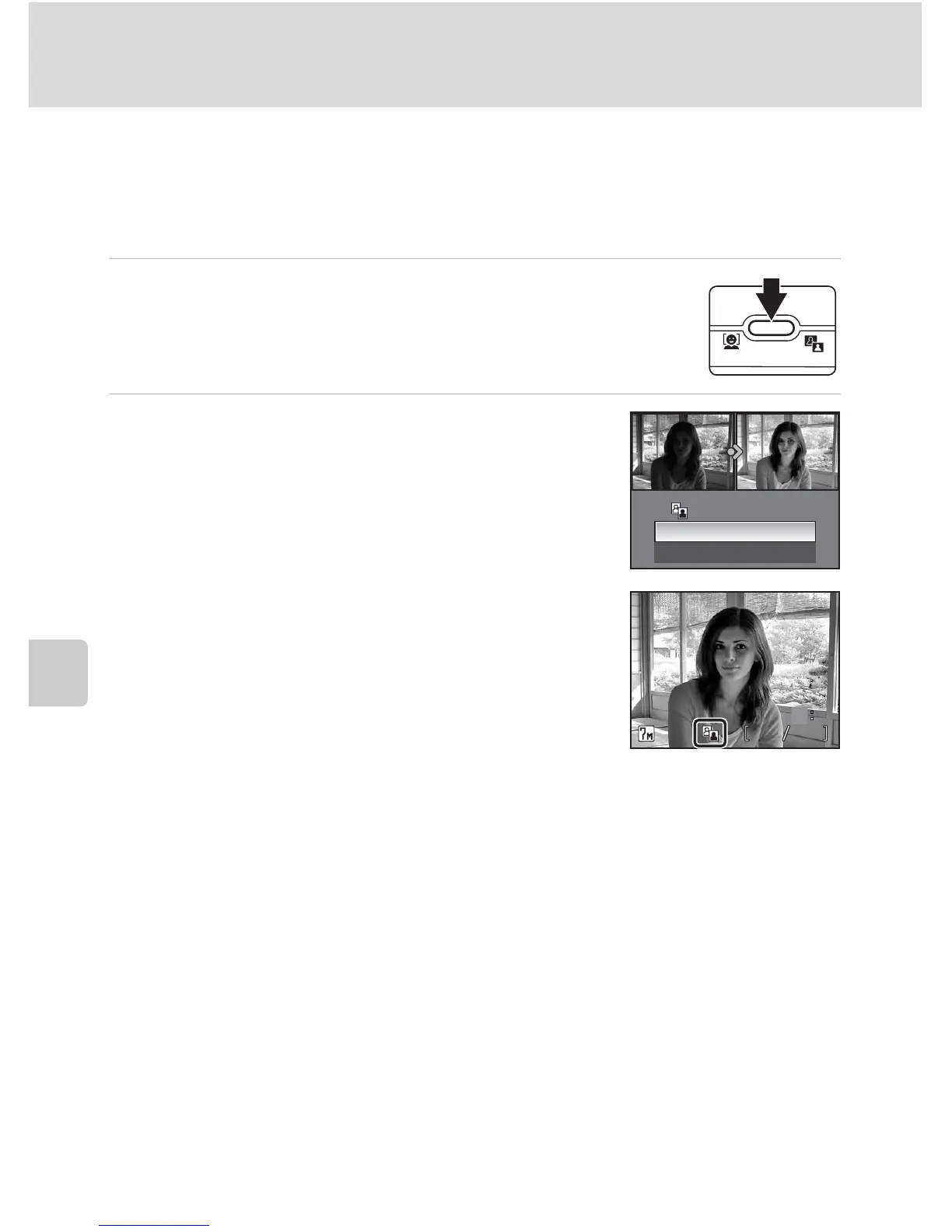
1 Display the desired picture in full-frame (c 28) or
thumbnail (c 50) playback and press i (m).
The results of D-Lighting enhancement can be confirmed in the
monitor.
2 Use the rotary multi selector to choose
[OK] and press d.
A new copy with enhanced brightness and contrast is
created.
To cancel D-Lighting, choose [Cancel] and press d.
D-Lighting copies can be recognized by the i icon
displayed during playback.
D-Lighting
OK
Cancel
100NIKON















 To Next Page