45
Scene Modes
Shooting Suited for the Scene - High-sensitivity Shooting Mode, Scene Mode
1
Other settings can be selected.
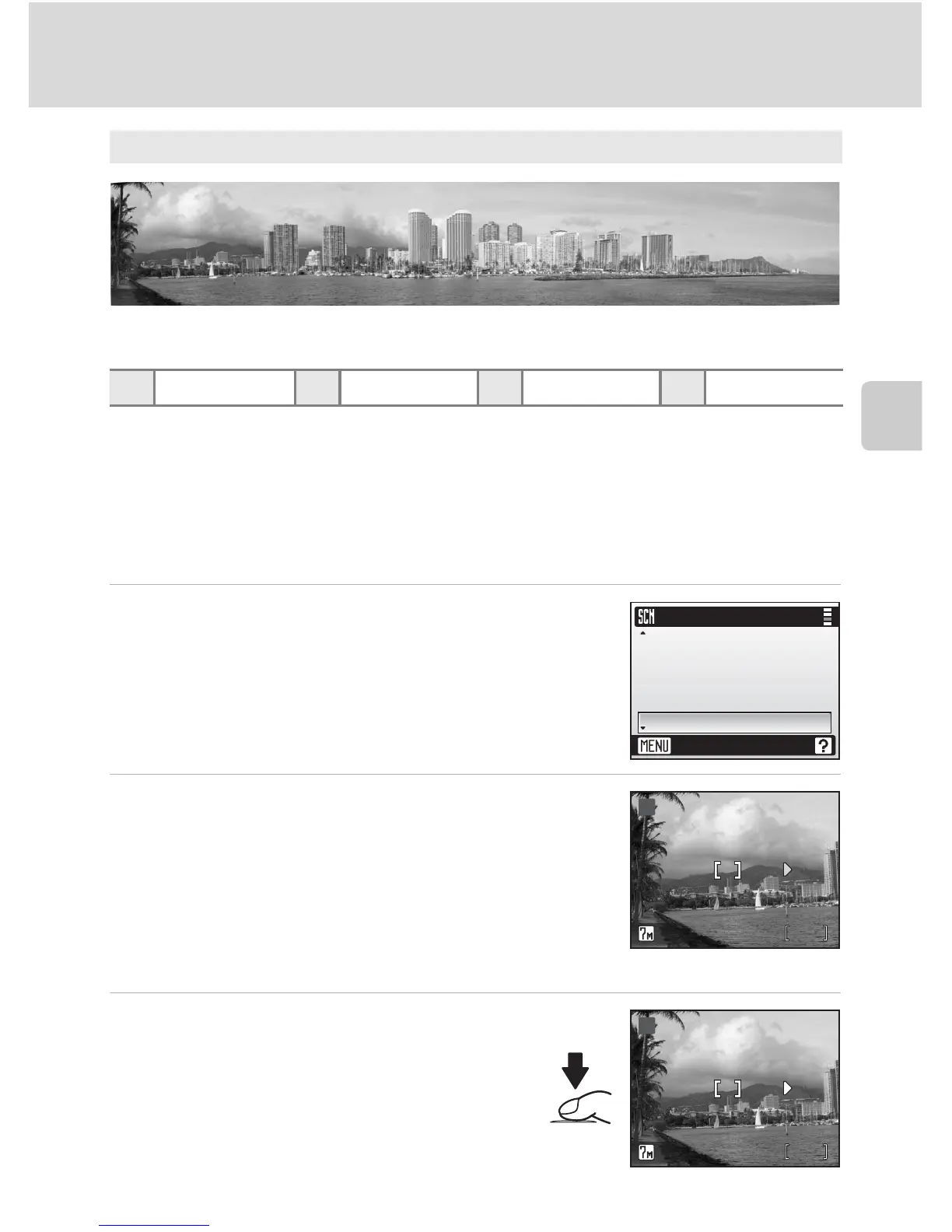
Taking Pictures for a Panorama
The camera focuses on the subject in the center of the frame. Use a tripod
for best results.
1 Use the rotary multi selector to choose
[F Panorama assist] in the scene menu
and press d.
The yellow panorama direction icon (E) is displayed to
show the direction in which pictures will be joined.
2 Choose the direction and press d.
Select how pictures will be joined together in the com-
pleted panorama; right (
V
), left (
U
), up (
S
), or down (
T
).
The panorama direction icon (
E
) is displayed to the direc-
tion pressed, and changes to white when
d
is pressed.
Set the flash (
c
30), self-timer (
c
32), and macro close-
up mode (
c
33) in this step, if necessary.
Press
J
to reselect the direction.
3 Take the first picture.
The first picture is displayed in the first third
of the monitor.
F Panorama assist (c 45)
Use when taking a series of pictures that will later be joined to form a single pan-
orama using PictureProject.
C B
1
H Off
1
F Off
1
u Auto
K
O
L
N
F
Scene menu
Exit
Museum
Panorama assist
Back light
Copy
Fireworks show
88
MM
F
BB
88
MM
F
BB















 To Next Page