41
Shooting Suited for the Scene - High-sensitivity Shooting Mode, Scene Mode
Scene Modes
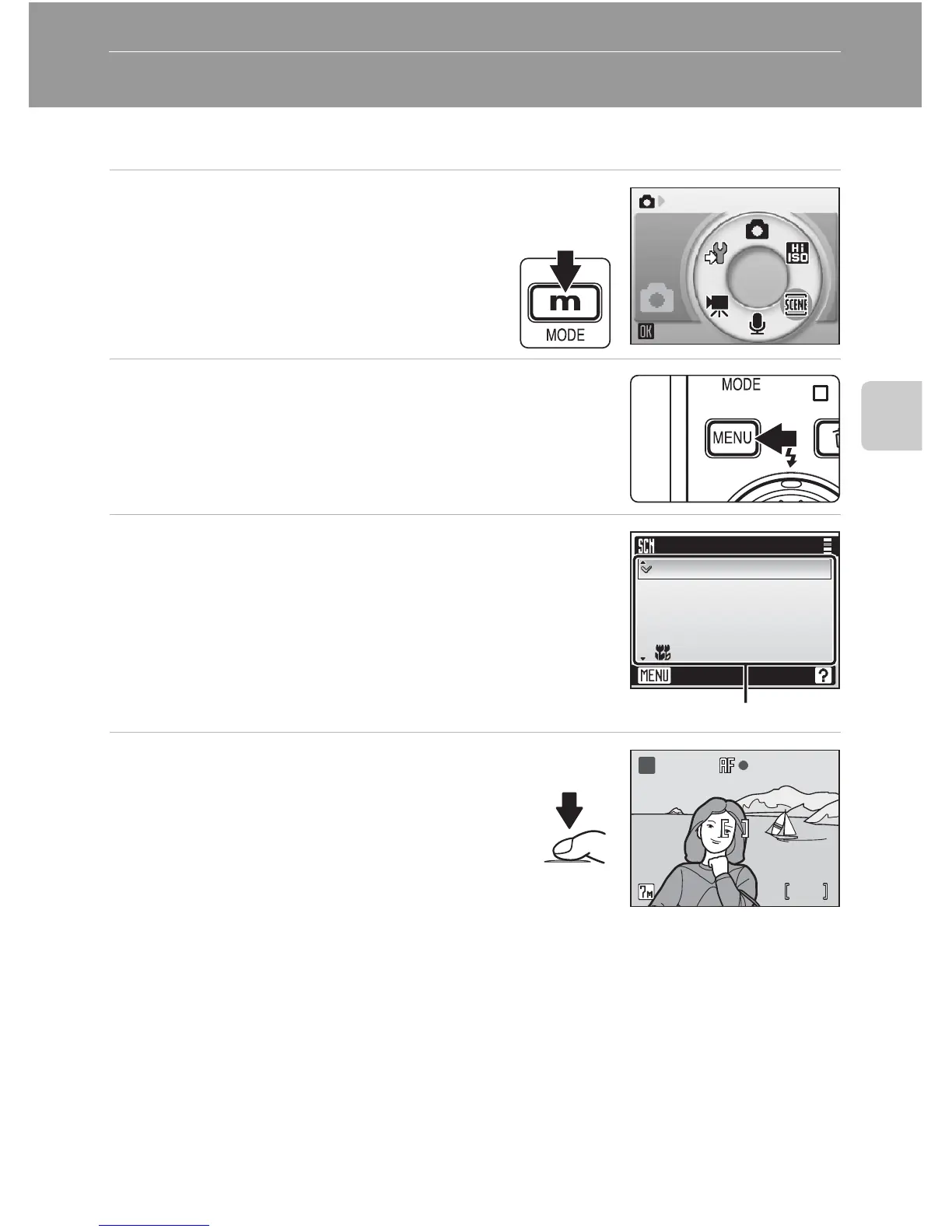
Taking Pictures in Scene Modes
1 Enter scene mode by pressing
D in shooting mode, selecting
n (use the rotary multi selec-
tor), and then pressing d.
2 Press m.
3 Choose a scene mode and press d.
Three pages of scene modes are available, beginning
with [Party/indoor] and ending with [Panorama
assist].
4 Frame the subject and take the
picture.
Scene
H
I
J
G
Scene menu
Exit
Beach/snow
Sunset
Dusk/dawn
Night landscape
Close up
Scene modes
88
MM
H















 To Next Page