85
Connecting to Televisions, Computers, and Printers
Connecting to a Printer
Users of PictBridge-compatible (c 143) printers can connect the camera
directly to the printer and print pictures without using a computer.
j Before Connecting the Camera
Use a fully charged battery or the supplied EH-64 AC adapter to prevent the camera from
turning off unexpectedly while connected.
l Printing Pictures
In addition to printing pictures transferred to a computer from your personal printer and
printing over a direct camera-to-printer connection, the following options are also available
for printing pictures:
• Insert a memory card into a DPOF-compatible printer’s card slot
• Take a memory card to a digital photo lab
For printing using these methods, specify the pictures and the number of prints each using
your camera’s print set menu (c 91).
l ImageLink-compatible Printers
Users of ImageLink-compatible printers can connect the camera directly to the printer and
print pictures without using a computer. See “Connecting to a ImageLink-compatible Printer”
(c 93) and the documentation provided with your printer for details.
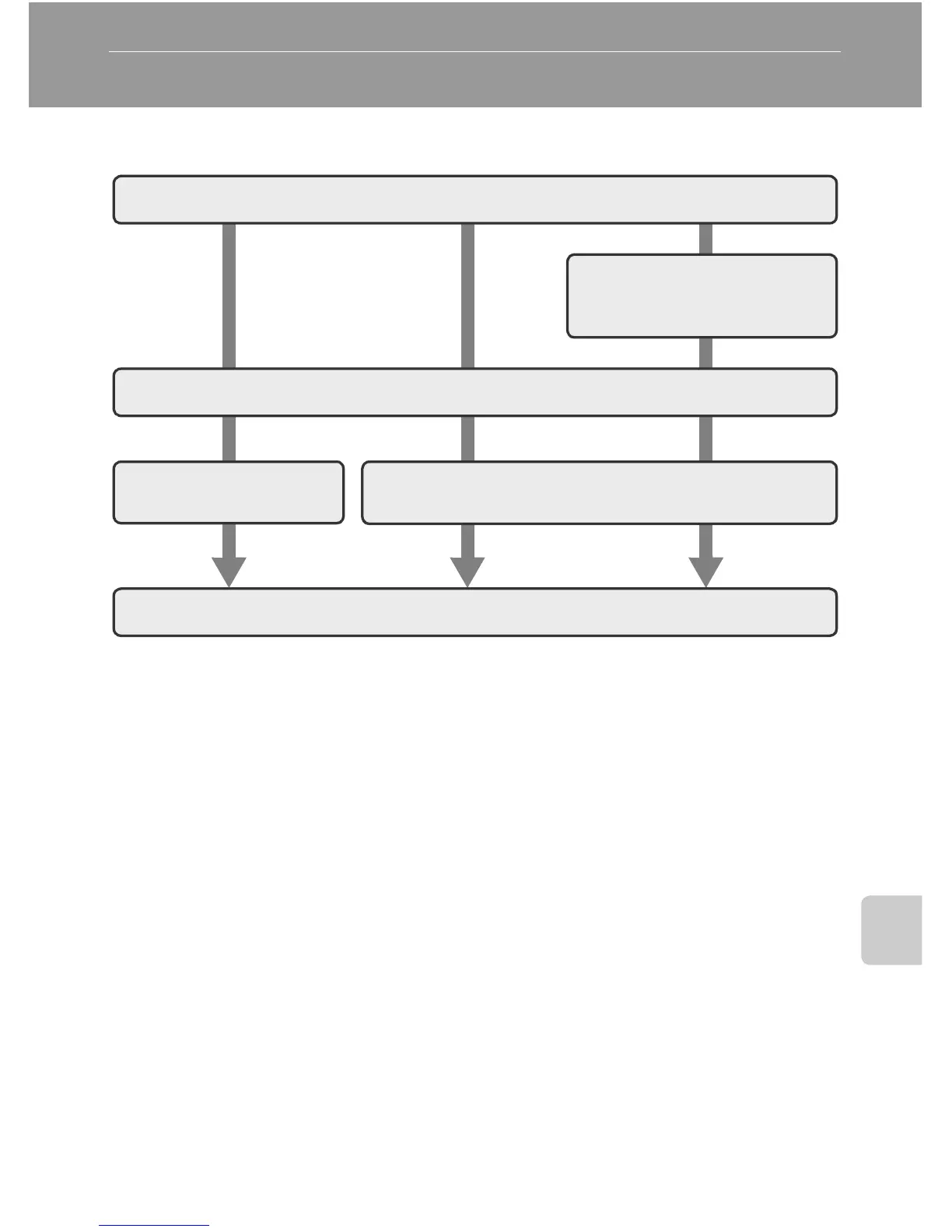
Take pictures
Select pictures for printing
using [Print set] option
(c 91).
Connect to printer (c 86)
Print pictures one at
a time (c 87)
Print multiple pictures (c 88)
Turn camera off and disconnect USB cable















 To Next Page