121
Basic Camera Setup: The Setup Menu
Shooting, Playback, and Setup Menus
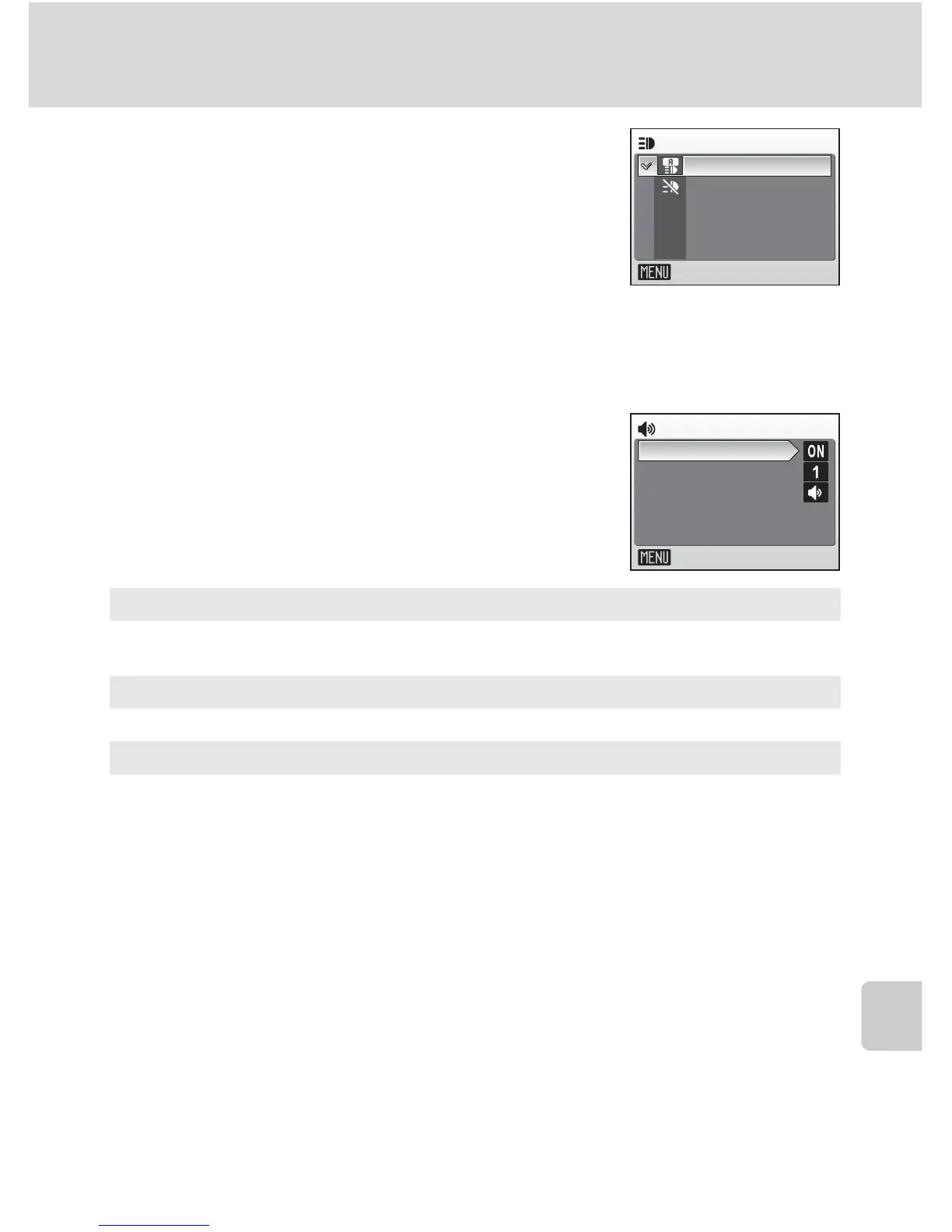
u AF Assist
If [Auto] is selected, AF-assist illumination will be
used to assist the focus operation when the subject
is poorly lit.
Note that for some modes, AF-assist illumination
turns off automatically.
To disable this function, choose [Off]. When set to [Off], the camera may be
unable to focus if lighting is poor.
h Sound Settings
Adjust the following sound settings.
Button sound
When [On] is selected, beep will sound once when operations are completed
successfully, three times when error is detected.
Shutter sound
Choose shutter sound from [1], [2], [3], and [Off].
Volume
Choose volume of shutter sound from [Loud], [Normal], and [Off].
AF assist
Exit
Auto
Off
Button sound
Shutter sound
Volume
Sound settings
Exit



 To Next Page
 Loading...










