8
Introduction
Basic Operations
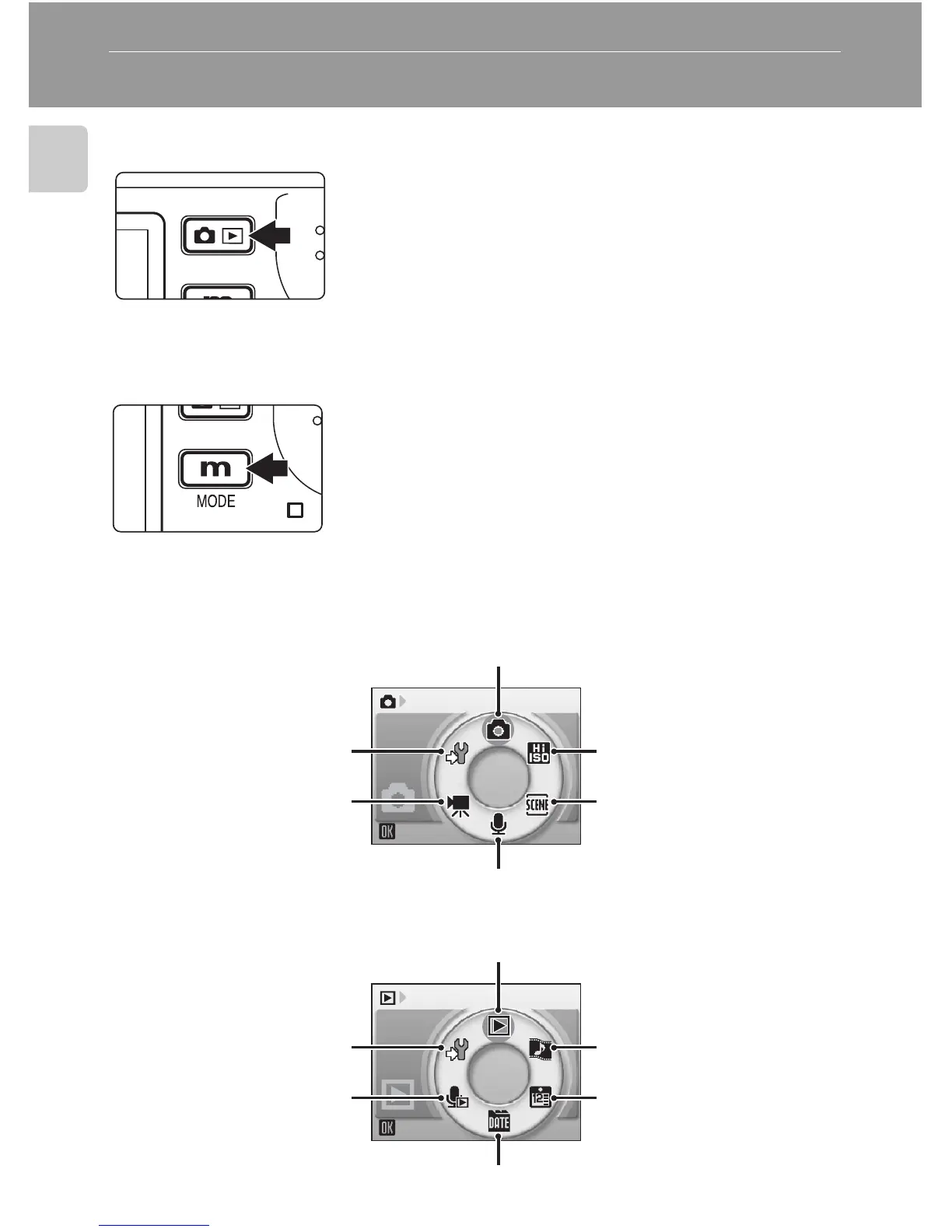
The o (shooting/playback) Button
The D (mode) Button
Press D during shooting or playback to display
each mode-selection menu. Use the rotary multi
selector (c 10) to choose the desired mode.
•Press o to switch between the mode-selec-
tion menus for shooting mode and playback
mode.
Shooting Modes
Playback Modes
Press o once in shooting mode to enter full-
frame playback; press again to switch back to shoot-
ing mode.
If the camera is turned off, press o for about a
second to turn the camera on in playback mode
(c 28).
Shooting
Auto mode (c 22)
Voice recording mode (c 75)
Scene mode (c 35)
High-sensitivity shoot-
ing mode (c 34)
Movie mode (c 68)
Setup mode (c 112)
Play
Playback mode (c 28)
Pictmotion mode
(c 63)
Calendar mode
(c 58)
List by date mode (c 59)
Voice playback mode
(c 77)
Setup mode (c 112)















 To Next Page