11
Basic Operations
Introduction
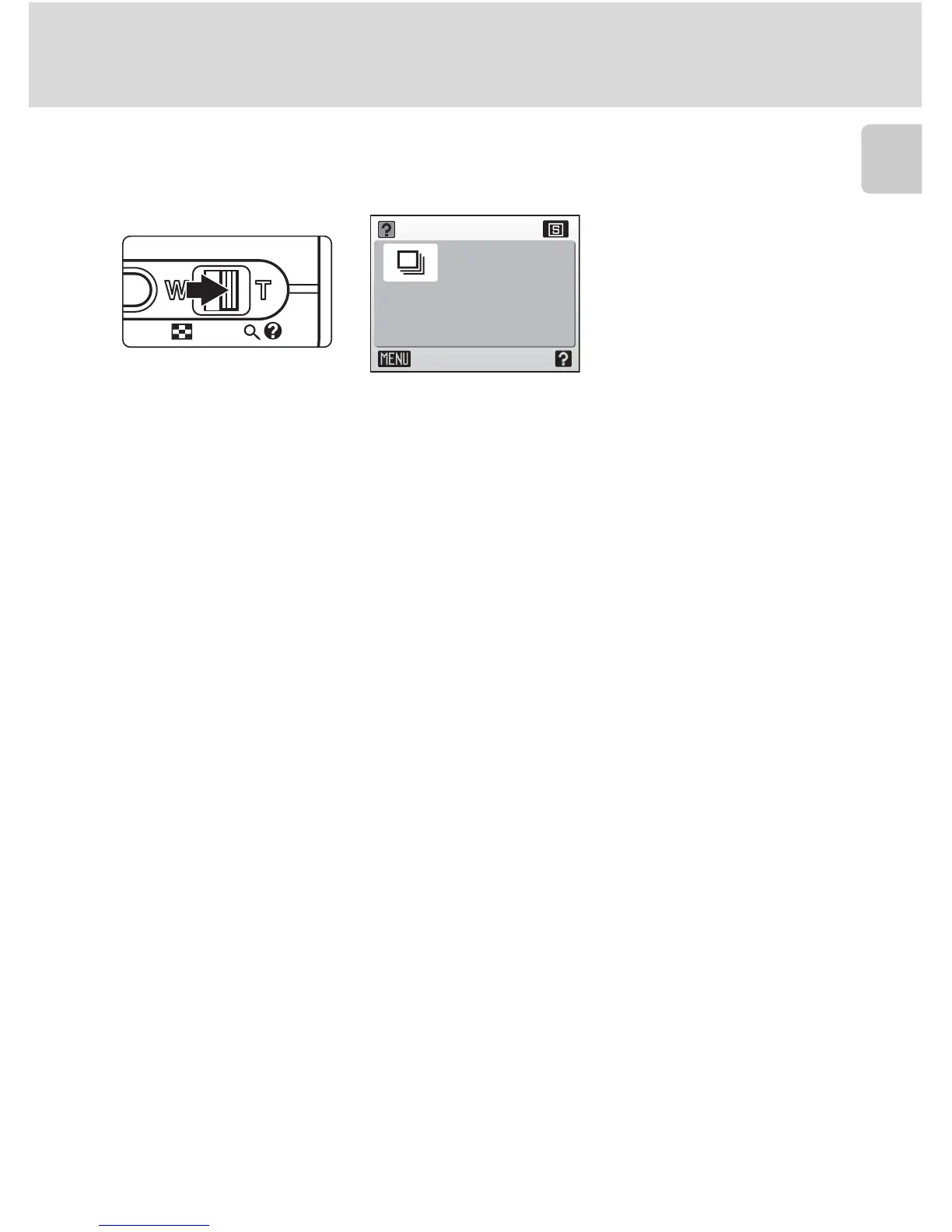
Help Displays
Press the zoom control to v (l) to view a description of the currently
selected menu option.
• Use the rotary multi selector to show the previous or next menu option.
•Press d to display the shooting menu or setup menu for the selected
menu option.
• To return to the original menu, press the zoom control to v (l) again.
•Press m to return to shooting or playback mode.
Continuous
Exit
Keep the
shutter-release button
pressed to take pictures
continuously.















 To Next Page