108 Menu Guide
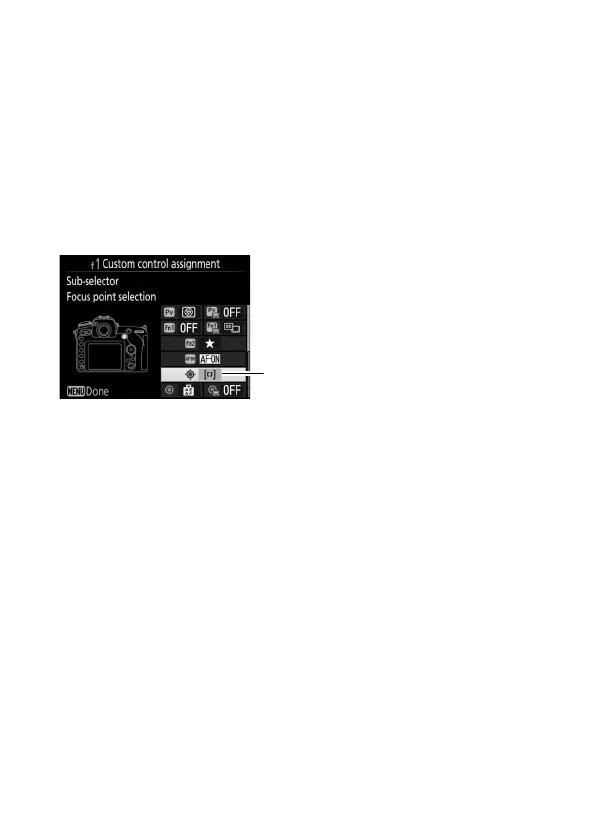
❚❚ Sub-Selector
To choose the role assigned to the sub-selector, highlight
7 Sub-selector and press the center of the multi selector.
The
sub-selector can be used for focus-point selection (x Focus
point selection) or to duplicate the role performed by the multi
selector (Y Same as multi selector).
If Y Same as multi
selector is selected, you can further press 2 and select
Playback zoom to choose the role played by the sub-selector
during playback zoom: scrolling photos (Scroll) or viewing other
photos at the same zoom ratio (Display next/previous frame).



 To Next Page