30 Menu Guide
If On is selected, “tall” (portrait-orientation) pictures taken with
On selected for Auto image rotation will be automatically
rotated for display in the monitor.
Pictures taken with Off
selected for Auto image rotation will be displayed in “wide”
(landscape orientation).
Note that because the camera itself is
already in the appropriate orientation during shooting, images
are not rotated automatically during image review.
Create a slide show of the pictures in the current playback folder
(0 21).
Hidden images (0 22) are not displayed.
Rotate Tall
G button ➜ D playback menu
Slide Show
G button ➜ D playback menu
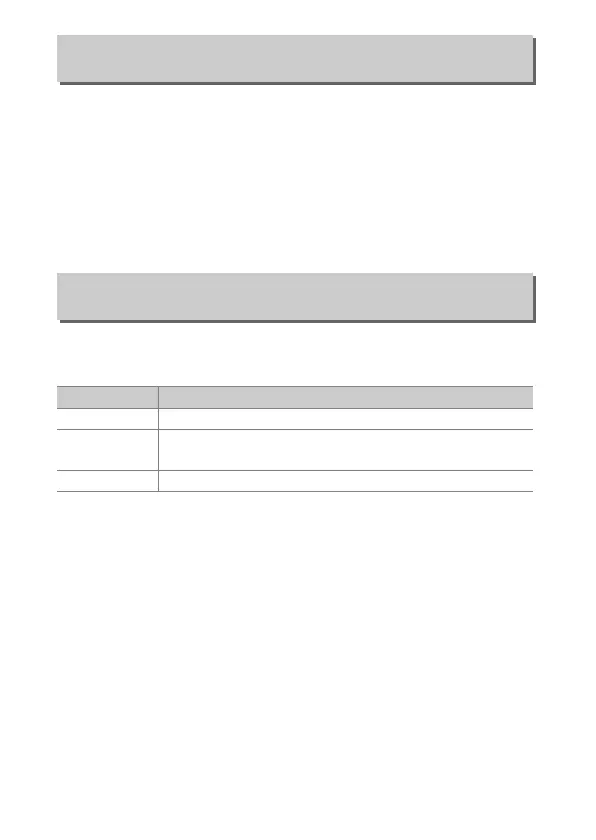
Option Description
Start Start slide show.
Image type
Choose type of image displayed from Still images and
movies, Still images only, and Movies only.
Frame interval Choose how long each picture will be displayed.



 To Next Page