59Menu Guide
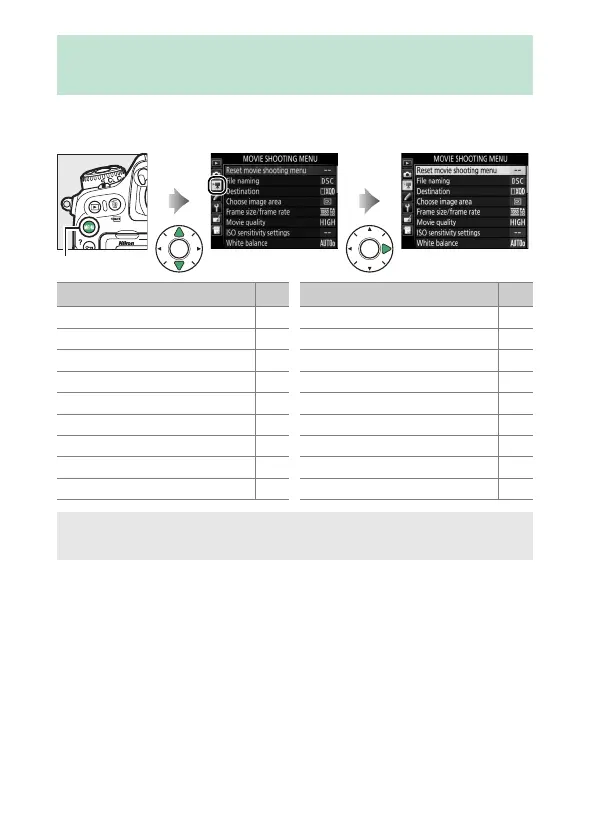
To display the movie shooting menu, press G and select the
1 (movie shooting menu) tab.
1 The Movie Shooting Menu: Movie Shooting
Options
G button
Option
0
Reset movie shooting menu 60
File naming 60
Destination 60
Choose image area 60
Frame size/frame rate 61
Movie quality 61
ISO sensitivity settings 62
White balance 63
Set Picture Control 63
Manage Picture Control 63
Active D-Lighting 63
High ISO NR 64
Flicker reduction 64
Microphone sensitivity 65
Frequency response 65
Wind noise reduction 66
Time-lapse movie 66
Electronic VR 66
Option
0
A See Also
Menu defaults are listed on page 13.



 To Next Page