177Menu Guide
Trim footage to create edited copies of movies or save selected
frames as JPEG stills.
Compare retouched copies to the original photographs.
This
option is only available if the retouch menu is displayed by
displaying a copy or original full frame and then either
(a) holding and pressing J and pressing 2 or (b) pressing i and
selecting Retouch.
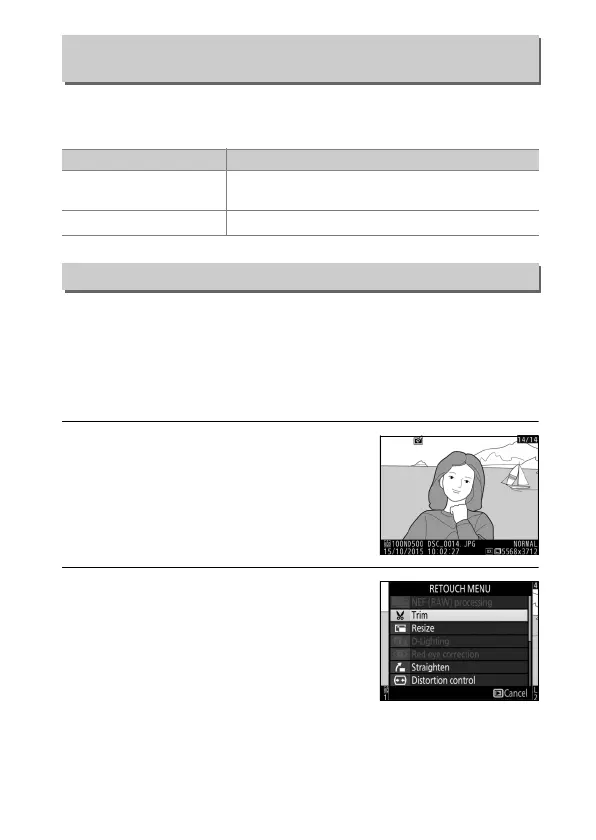
1 Select a picture.
Select a retouched copy (shown by a
& icon) or an original that has been
retouched.
2 Display retouch options.
Press 2 while pressing and holding
the J button, or press i and select
Retouch.
Edit Movie
G button ➜ N retouch menu
Option Description
9
Choose start/end point
Create a copy from which unwanted footage
has been removed.
4
Save selected frame Save a selected frame as a JPEG still.
Side-by-Side Comparison



 To Next Page