115Menu Guide
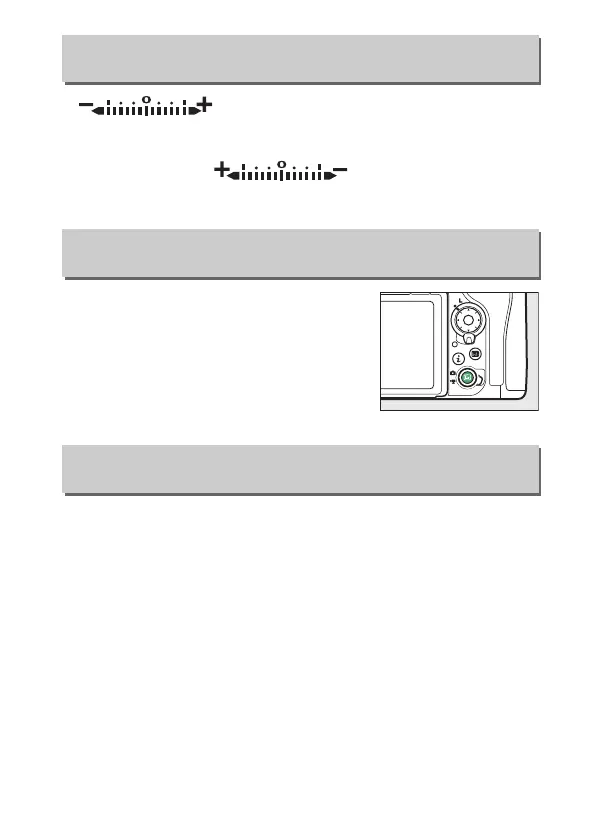
If (W) is selected, the exposure indicators
in the control panel, viewfinder, and information display are
displayed with negative values on the left and positive values
on the right.
Select (V) to display positive
values on the left and negative values on the right.
Select Disable to disable the a button,
preventing live view from starting
accidentally.
If Enable (standby timer
active) is selected, the a button can
only be used to start live view while the
standby timer is active.
Choose whether rotating the power switch to D activates only
the control panel and button backlights or also turns on the
information display.
f7: Reverse Indicators
G button ➜ A Custom Settings menu
f8: Live View Button Options
G button ➜ A Custom Settings menu
f9: D Switch
G button ➜ A Custom Settings menu



 To Next Page