170 Menu Guide
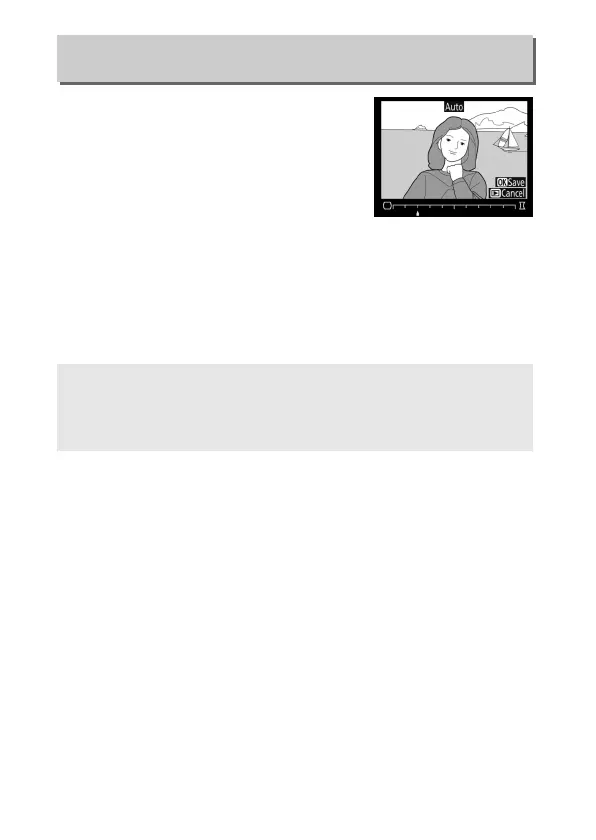
Create copies with reduced peripheral
distortion.
Select Auto to let the camera
correct distortion automatically and then
make fine adjustments using the multi
selector, or select Manual to reduce
distortion manually (note that Auto is
not available with photos taken using
auto distortion control; see page 55).
Press 2 to reduce barrel
distortion, 4 to reduce pincushion distortion (the effect can be
previewed in the edit display; note that greater amounts of
distortion control result in more of the edges being cropped
out).
Press J to save the retouched copy.
Distortion Control
G button ➜ N retouch menu
A Auto
Auto is for use only with pictures taken with type G, E, and D lenses
(PC, fisheye, and certain other lenses excluded).
Results are not
guaranteed with other lenses.



 To Next Page