109Menu Guide
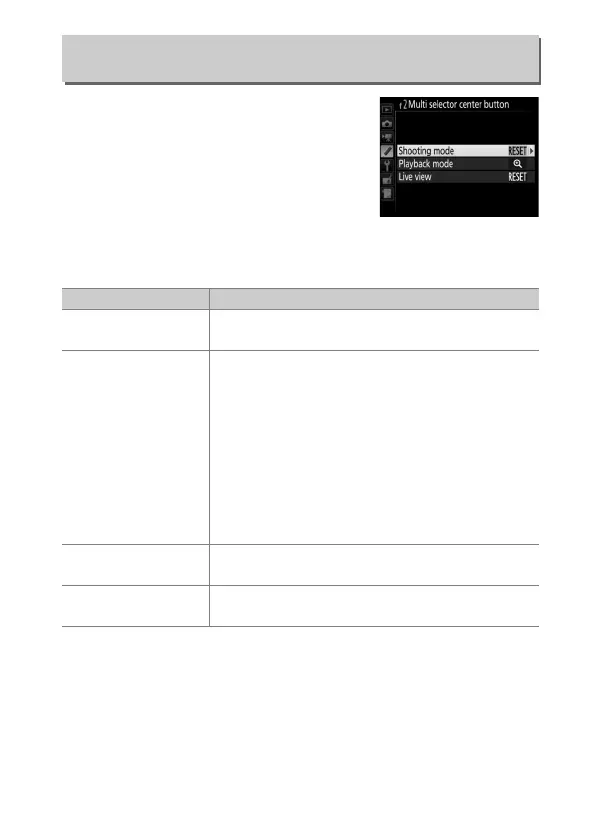
This option determines the role assigned
to the center of the multi selector during
viewfinder photography, playback, and
live view (regardless of the option
selected, pressing the center of the multi
selector when a movie is displayed full
frame starts movie playback).
❚❚ Shooting Mode
f2: Multi Selector Center Button
G button ➜ A Custom Settings menu
Option Role assigned to center of multi selector
J
Select center
focus point
Select the center focus point.
A
Preset focus point
Pressing the center of the multi selector selects a
preset focus point.
To choose the point, select it
and press the center of the multi selector while
pressing the AF-mode button until the focus
point flashes.
Separate focus points can be
selected for “wide” (landscape) orientation and
for each of the two “tall” (portrait) orientations if
Focus point or Focus point and AF-area mode
is selected for Custom Setting a7 (Store by
orientation, 0 77).
K
Highlight active
focus point
Pressing the center of the multi selector
highlights the active focus point.
None
Pressing the center of the multi selector has no
effect in viewfinder photography.



 To Next Page