23Menu Guide
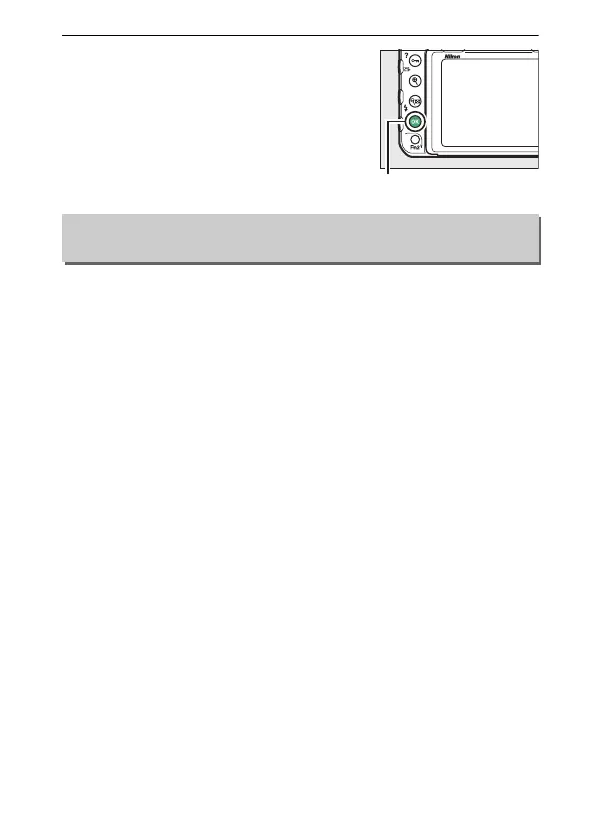
3 Press J.
Press J to complete the operation.
Choose the information available in the playback photo
information display.
Press 1 or 3 to highlight an option, then
press 2 to select the option for the photo information display.
A
L appears next to selected items; to deselect, highlight an item
and press 2.
To return to the playback menu, press J.
Playback Display Options
G button ➜ D playback menu



 To Next Page