172 Menu Guide
Choose from the following color filter effects.
After adjusting
filter effects as described below, press J to copy the
photograph.
Filter Effects
G button ➜ N retouch menu
Option Description
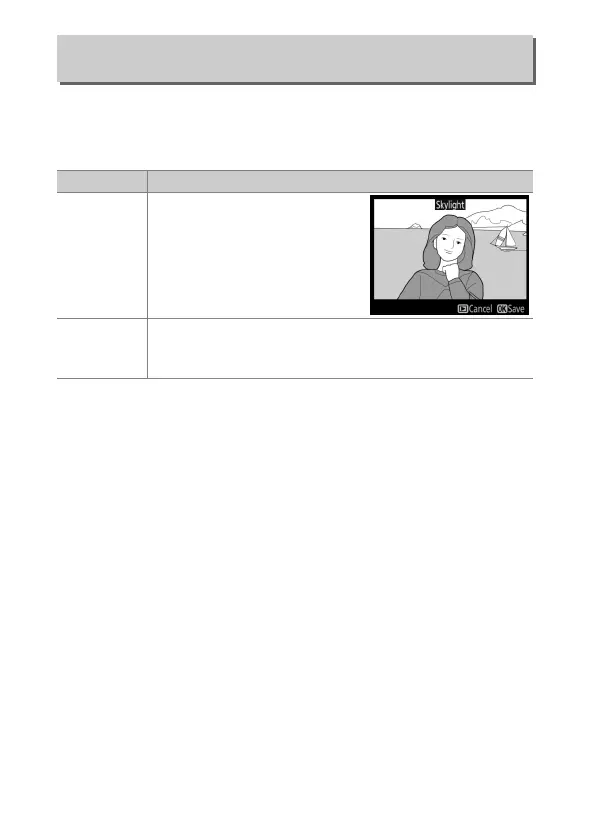
Skylight
Creates the effect of a skylight
filter, making the picture less
blue.
The effect can be
previewed in the monitor as
shown at right.
Warm filter
Creates a copy with warm tone filter effects, giving the
copy a “warm” red cast.
The effect can be previewed in
the monitor.



 To Next Page